
By The KTech team · Published 9 November 2026
If you are looking for local IT support Devon homes and businesses can rely on, the useful question is simple: when a laptop overheats, a printer drops off the network or the WiFi dies in the back office, can someone come and look at the actual kit? For households and firms around Kingsbridge and the South Hams, the right help depends on whether the fault sits in the hardware, the network or the way the two work together.
This guide explains the faults we most often help with, what a visit or a workshop repair involves, and how to tell whether a problem needs a technician or a quick check at home. It is written for shops, offices, trades, holiday lets and families who want a clear answer rather than a call centre script.
What does local IT support in Devon cover?
Local IT support in Devon covers the everyday kit that keeps a business or household running: desktops, laptops, Macs, printers, routers, cabling and the accounts behind them. KTechnology is based at Springfield Farm Shop in East Charleton, near Kingsbridge, and works with customers across the South Hams and Devon. Our IT support for South Hams and Devon page sets out the wider service, while business IT support covers ongoing help for organisations.
- Hardware faults, including failing drives, overheating laptops, dead power supplies, cracked screens and swollen batteries.
- Network problems, such as WiFi dead spots, dropping connections and routers that need configuring.
- Printers and scanners, from first set-up to reconnecting them after a router or password change.
- Apple kit, including MacBooks and iMacs where the hardware allows.
- Microsoft 365, email and shared-file access for staff who cannot get into what they need.
Why does my WiFi keep dropping out?
WiFi drop-outs usually come from one of a few causes: the router sits in the wrong place, thick stone or cob walls block the signal, the router firmware is out of date, or the broadband line itself is unreliable. Finding out which one applies saves money. A boosted signal will not fix a broadband line that keeps falling over, and a faster package will not help if the router is boxed in a metal cabinet.
Where the problem is coverage inside the building, we start with a survey and then recommend mesh units, access points or cabling. Our WiFi boosting service covers that work for homes, shops and holiday lets.
- Note when the drops happen. A pattern, such as every evening, helps us narrow the cause quickly.
- Check whether the drops affect every device or only one laptop or phone.
- Restart the router and any extenders, one at a time, and see whether the problem returns.
- Keep the router away from metal cabinets and move it towards a central room if you can.
Can a local technician fix a printer that will not connect?
Yes. Most printer problems are connection problems rather than dead machines. The printer has moved to a different WiFi network, its address has changed, or a laptop has lost its driver after an update. A technician who can check the printer, the network and the computers together avoids the back-and-forth of fixing one piece at a time.
If you are setting up a new printer or moving an office to a new router, tell us which computers need to print and whether the printer should be wired or on WiFi. Setting that up properly the first time saves a lot of frustration later.
When should a computer go to the workshop?
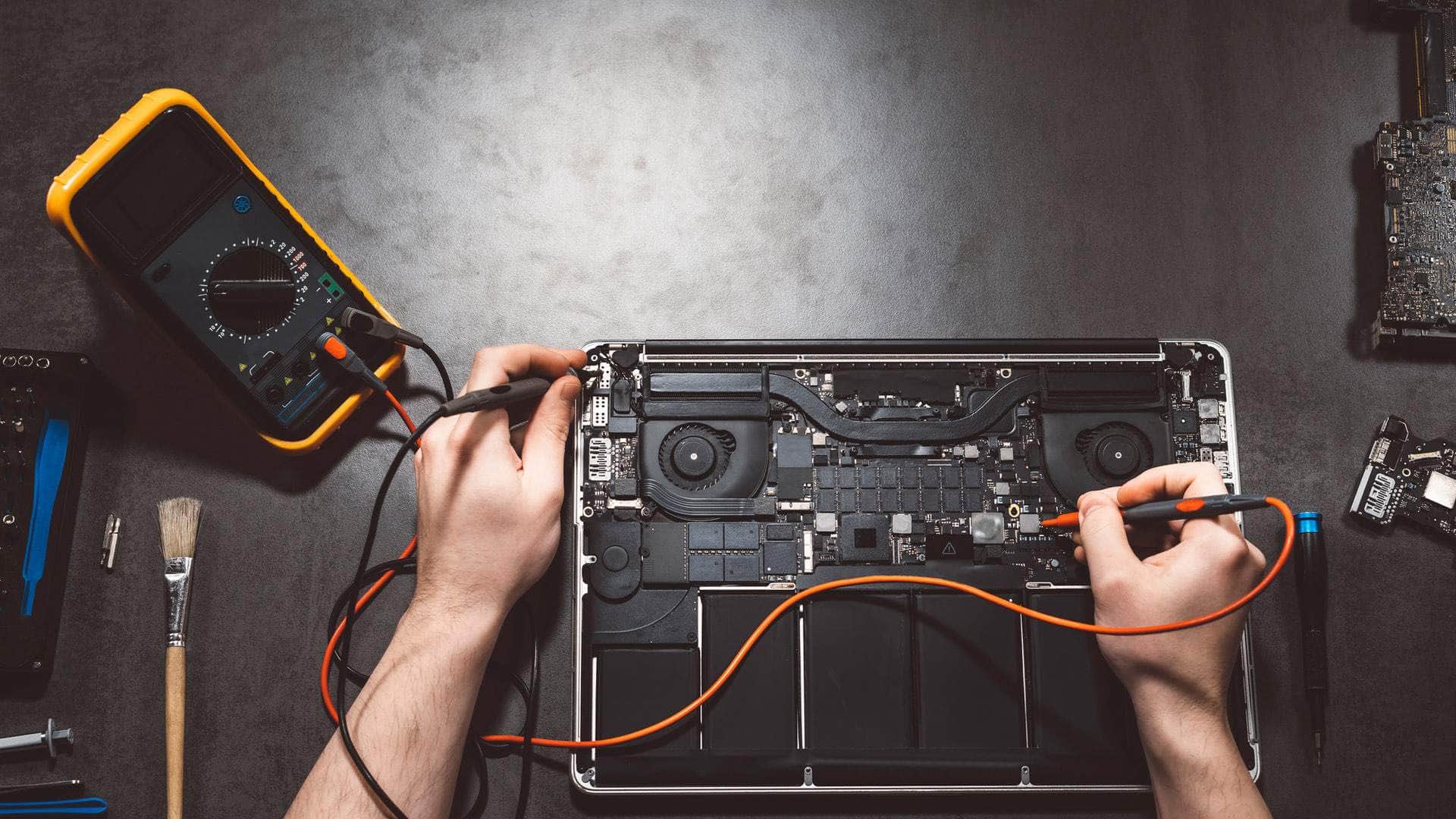
Some faults need the machine on the bench. Failed storage, a board that will not power up, cracked screens and laptops that overheat because a fan is clogged with dust are best handled in the workshop, where we can open the machine, test each part and explain the options before any work starts. Our computer repair service covers Windows PCs, Macs and Chromebooks, with local drop-off or arranged collection across the South Hams.
If a laptop has been near liquid, switch it off and do not charge it before you bring it in. Do not try to dry it in an oven or with a hairdryer. A short call first is often the quickest way to know what to do next.
What should I have ready before someone visits?
A few preparations make a visit faster and help protect your data. Write down what is going wrong, when it started and which devices are affected. Have your router details, broadband provider and Microsoft 365 or email login to hand. If you are not sure whether you have a current backup, say so on the contact page so we can talk through the options before anything is changed.
- The make and model of each device, and its serial number if you have it.
- Your router make, and whether your broadband provider supplied it.
- The names of the printers and the computers that should be able to use them.
- Any error messages, photos or screenshots from the moment the problem appears.
- Who should be contacted if the system is down, and how.