
By The KTech team · Published 14 November 2026
iMac repair in Kingsbridge is often about getting an older desktop running well again, whether that means a drive upgrade, a clean reinstall of macOS or a display or power fault that needs proper diagnosis. Our iMac and Mac mini repair service covers desktops from homes and offices across Kingsbridge, Salcombe, Dartmouth and the South Hams, handled from our East Charleton workshop.
This guide covers the faults we see most often on iMacs, what an SSD upgrade can do for an ageing machine, how to approach a blank screen or a missing chime, and when an older iMac is worth keeping. It also explains how to get a large desktop to the workshop safely.
Why is my iMac so slow?
Slowness on an iMac usually comes from a storage drive that is wearing out, an operating system that has grown heavier over the years, or too many login items competing for memory. Older models with a traditional hard drive or a Fusion drive can feel much slower than they should, especially at start-up.
Before any repair, check Activity Monitor for processes using a lot of processor or memory, and remove login items you do not need. Our slow Mac help guide walks through the software side in more detail, and if the slowdown persists, a drive check and possibly an SSD upgrade is the real fix.
Is an SSD upgrade worth it on an older iMac?
For many older iMacs, replacing a mechanical hard drive with a solid-state drive changes how the machine feels, with faster start-up, quicker app launches and far less waiting while files open. It also removes a drive that may be failing, which matters on any machine that holds photos, invoices or work files.
Not every iMac can be upgraded in the same way, because some models have storage soldered to the board or tightly integrated into the assembly. We check the model and the drive first, then explain whether an upgrade is practical, what it involves and what it does not fix.
- Start-up time: a clear improvement on machines that boot from a traditional hard drive.
- App launches and file opening: noticeably quicker on the same hardware once the drive is replaced.
- Drive health: a failing mechanical drive is replaced before it takes your files with it.
- Limits: an SSD does not fix a processor, memory or display fault, or a machine too old for current macOS.
Why won't my iMac show a picture or make its start-up chime?
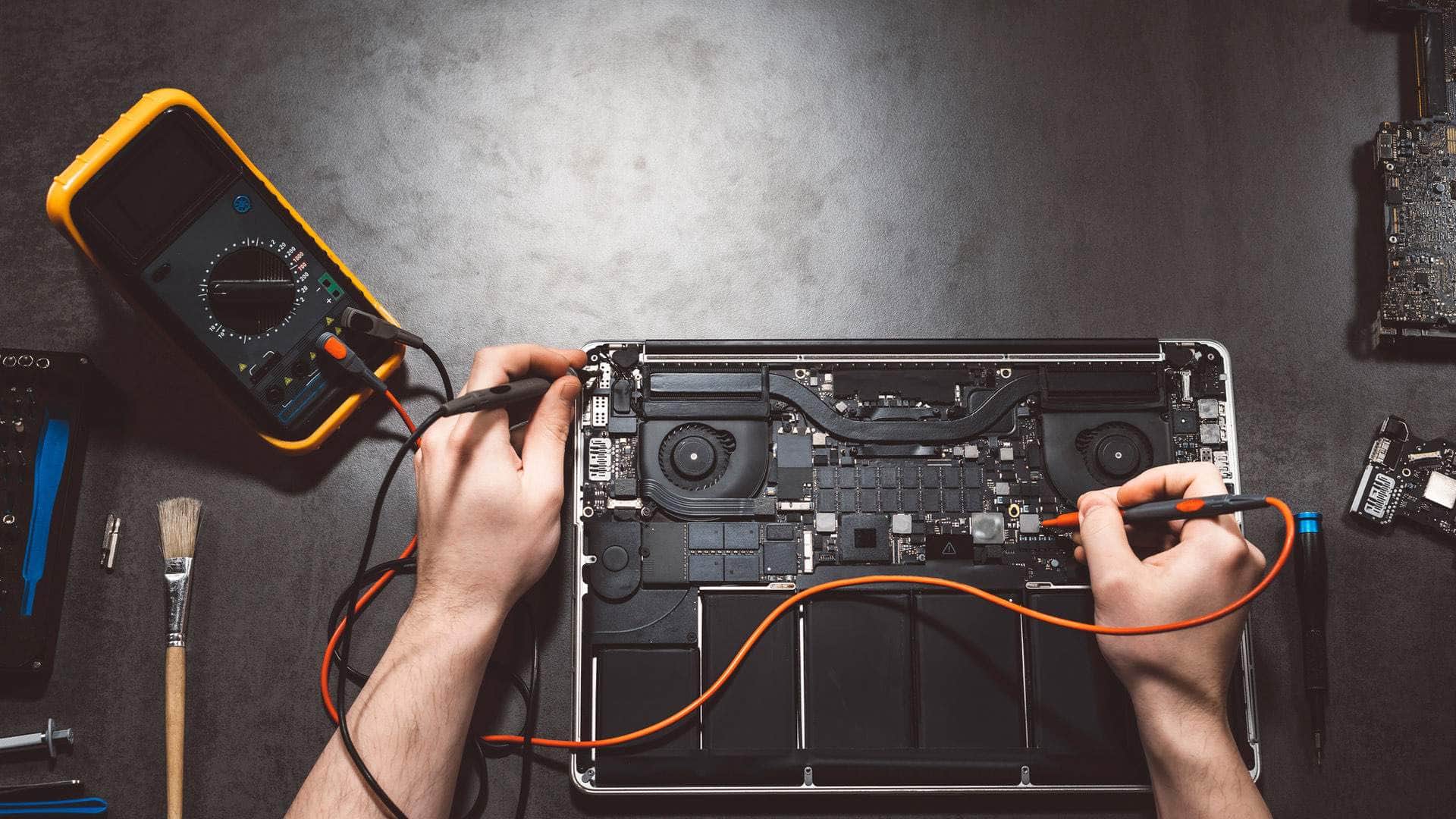
A blank screen with the fans running can point to the display cable, the power board, the memory or the logic board, so it needs proper diagnosis rather than guesswork. A missing start-up chime on a Mac that otherwise powers up is often a useful clue, because it narrows down where the fault sits.
Try a forced restart, check that the brightness is not turned right down, and see whether an external display works if you have one. Note any sounds, flashing lights or fan behaviour, then use the contact page to describe the symptoms before bringing the iMac in.
What about macOS update problems?
An update that stalls, a restart loop or an installer that will not start can leave an iMac half-finished. Some older machines cannot run the newest macOS at all, and that is a question of supported models rather than a fault, which we are happy to explain.
Do not wipe the machine or keep forcing restarts while an update is partly installed. Let us look at the state of the install and the drive, because the safest route depends on how far the update got and whether your files are backed up.
How do I get a large iMac to the workshop?
An iMac is heavy and awkward to carry, and its screen is fragile, so take care when moving it. Keep it upright and well padded, with the screen protected on all sides, and use the original box if you still have it.
If lifting or transporting it is difficult, we can arrange a collection in advance by arrangement, and we will agree the details with you before the day. Mac minis and other desktops are usually easier to bring in, and we will tell you when a collection is the better option.
- Keep the power cable and any accessories with the machine, labelled if possible.
- Note the model, the fault and any passwords needed for testing.
- Protect the screen with a soft cloth and padding on every side.
- Let us know in advance so we can plan space at the workshop.
When is an older iMac worth keeping?
An older iMac is worth keeping when the fault is contained, the machine still receives security updates and the screen and build are in good condition. A faulty drive, a failing display or a single worn part can be a sensible repair, provided the rest of the machine is sound and it runs well for the way you use it.
The picture changes when several parts are failing together, when security updates have stopped, or when a newer desktop would serve your work far better. We give an honest view of which route makes sense, and we will say so if a replacement is the better choice. Mac minis follow the same logic, and our iMac and Mac mini repair page explains what we handle.
- Keep it when a single fault can be fixed and the rest of the machine is sound.
- Think again when several components are failing at the same time.
- Check that the model still receives macOS security updates.
- Weigh the age of the machine against the work you rely on it for.