
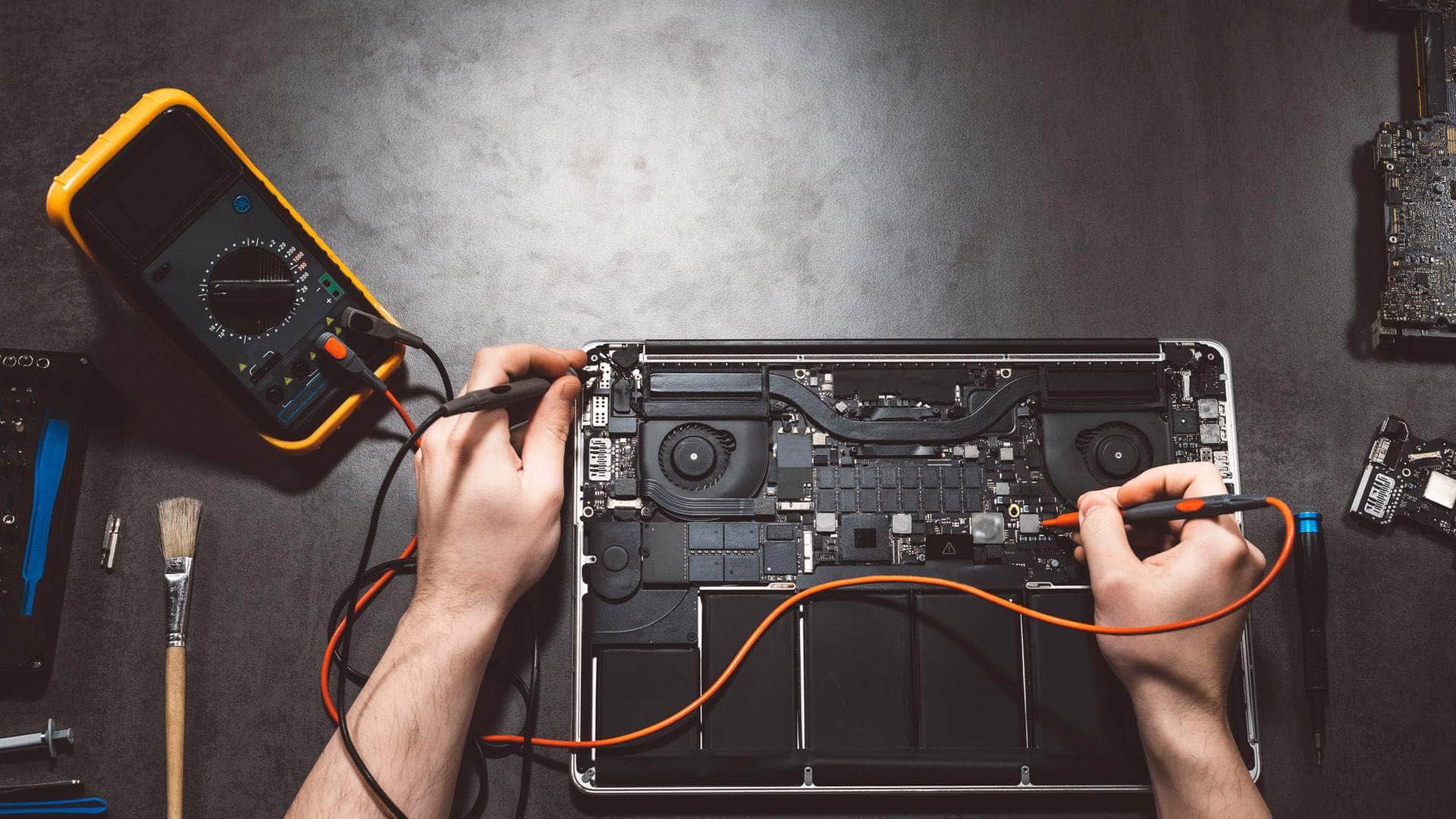
iMac and Mac mini repair in Kingsbridge
Desktop Macs that have slowed to a crawl, gone silent, lost their picture or started roaring, repaired by a local team who can collect them when an iMac is too big to carry.
Springfield Farm Shop, East Charleton, Kingsbridge · Open Mon–Sat 09:00–17:00 · Sun 10:00–16:00
An iMac is often the family computer or the machine the business runs on, which makes it hard to be without. It is also big, heavy and has its screen glued to the case, so it is not something you want to lug around Kingsbridge on a guess. We diagnose first, tell you what is wrong and whether a repair is worth it, and arrange collection around the South Hams when that is easier.
We work on 24-inch iMacs with Apple silicon, the older 21.5-inch and 27-inch Intel iMacs, Mac minis old and new, and Mac Studio.
Common faults, by model
21.5-inch and 27-inch Intel iMacs (about 2012 to 2020)
The single most common problem is slowness caused by the hard drive. Many of these iMacs shipped with a spinning drive or a 'Fusion Drive' (a small SSD paired with a hard drive), and as that drive ages the Mac takes minutes to start and beach-balls constantly. Replacing it with a solid-state drive can transform them. Because the screen is glued on, that is a careful bench job, not a quick swap.
We also see power supplies failing (no chime, no light), dust-choked fans, and 27-inch screens with lines or dim patches.
24-inch iMac with Apple silicon (M1, M3, M4)
Quiet and dependable. Faults are usually the external power adapter or its braided cable, accessories that will not pair, screens damaged in house moves, and storage that has filled up, since it cannot be upgraded later.
Mac mini and Mac Studio
No picture is often a cable, adapter or monitor setting rather than the Mac itself, so we test those first. Older Intel Mac minis can get the same drive upgrade as iMacs; recent ones have storage on the board. Overheating from dust and power faults are the other usual suspects.
Desktop Mac repairs we carry out
- Hard drive and Fusion Drive replacement with a solid-state drive on Intel iMacs and Mac minis where the model allows it.
- Memory upgrades on models that still have removable memory, such as many 27-inch iMacs.
- Power supply, fan and internal cleaning work.
- No-picture, flickering and display faults, including checking external monitors and adapters.
- macOS that will not update, start or log in, and Macs stuck on the Apple logo or a folder with a question mark.
- Moving everything from an old iMac to a new Mac, then securely wiping and recycling the old one.
Talk to the team
Tell us the model and what it is doing. We will say honestly what is likely to be involved and the quickest safe way to help.
What the visit looks like
For a Mac mini, just bring it with its power cable to Springfield Farm Shop by arrangement. For an iMac, ask us about collection: we wrap it properly, take it to the workshop and bring it back set up on your desk. Some software faults can be sorted on site or over a secure remote session.
We check the fault, then call with what we found, whether a repair is sensible on that model, and the agreed price for the outcome before any work starts.
Your files and Time Machine
Desktop Macs often hold years of family photos and business records. If there is a Time Machine drive, bring it too: we can check it is working and use it if anything goes wrong. If there is no backup, we copy your files first wherever the drive allows it, and help you set up a backup that keeps running afterwards.
Turnaround
Software problems and many simple jobs can be done quickly. Drive replacements in iMacs take longer because of the glued screen, and some parts need ordering in, so we tell you the expected wait before you agree.
Repair, upgrade or replace?
An Intel iMac with a new solid-state drive can be useful for years, but some older models no longer receive macOS security updates. We will tell you plainly where yours stands, and if replacing makes more sense we will help you choose, set up and move across.
Where we work
The workshop is at Springfield Farm Shop, East Charleton, Kingsbridge TQ7 2AR, just off the A379 with free parking. We help people and businesses in Kingsbridge, Salcombe, Dartmouth, Totnes and across the South Hams. For PCs and laptops of every make, see computer repair in Kingsbridge; for business support, see IT support and cyber security.
More Apple repair
- Apple repair and support in KingsbridgeMacBooks, iMacs, Mac minis, iPhones and iPads, looked after by a local team at East Charleton, just outside Kingsbridge. We find out what is wrong first and explain it plainly.
- MacBook repairMacBook Air and MacBook Pro: screens, batteries, keyboards, charging and liquid damage.
- iPhone repairCracked screens, tired batteries, charging ports, cameras and water.
- iPad repairScreens, batteries, charging and iPads that have locked their owner out.
- Apple data recovery and securityLost photos and files, scam pop-ups, hacked Apple Accounts and clean-ups.
Related help
- Mac repair overviewHow a Mac repair works with us, start to finish.
- MacBook repairMacBook Air and MacBook Pro: screens, batteries, keyboards, charging and liquid damage.
- Apple data recovery and securityLost photos and files, scam pop-ups, hacked Apple Accounts and clean-ups.
- New computer setupFiles, email and passwords moved across to a new machine.
- IT recyclingSecure data wiping and responsible disposal of old devices.
- Computer repair in KingsbridgePCs, laptops, Macs and Chromebooks, diagnosed first.
Useful from our shop
- Thunderbolt 4 cable, 1mFor fast external drives and docks on Thunderbolt Macs.
- USB-C MacBook docking stationTwo 4K screens and 100W charging through one cable for a MacBook at the desk.
- Screen and device cleaningSafe cleaners for screens and keyboards, in our own maintenance range.
- Cables and accessoriesAdapters, cables, docks and headsets.
We're located behind Springfield Farm Shop
Find us off the A379 at East Charleton, near Kingsbridge. Turn into Springfield Farm Shop — free on-site parking is available, and you are welcome to drop devices during business hours by arrangement.
Address
Springfield Farm Shop, East Charleton, Kingsbridge, Devon, TQ7 2AR
Free parking at Springfield Farm Shop. Turn off the A379 at East Charleton — we are inside the farm shop premises. Look for the KTechnology sign.
Hours: Mon–Sat 09:00–17:00; Sun 10:00–16:00. Call 01548 600127 before you set off if you need directions.
iMac and Mac mini repair: your questions
My iMac takes ages to start and keeps spinning. Can it be fixed?+
Very often, yes. On older Intel iMacs the usual cause is an ageing hard drive or Fusion Drive, and a solid-state drive can transform it. We check first to be sure.
Can you collect my iMac?+
Yes, ask about collection around Kingsbridge and the South Hams. We wrap it properly and can set it back up on your desk afterwards.
My Mac mini shows no picture. Is it broken?+
Not necessarily. Cables, adapters and monitor settings cause many 'no picture' problems. We test those before looking inside the Mac.
Can you upgrade the memory in my iMac?+
On many 27-inch Intel iMacs, yes. On 24-inch Apple silicon iMacs and most recent Macs, memory is part of the chip and cannot be changed.
Will I lose my photos?+
We talk about backups before any work that could put them at risk, and copy your files first wherever the drive allows it.