
By The KTech team · Published 9 November 2026
A spilt drink on a MacBook is a stressful moment for anyone who relies on their laptop. MacBook liquid damage can look minor at first, with a damp keyboard and nothing obviously wrong, yet liquid can cause problems that appear later. If you are in South Devon, the most useful step is to switch the Mac off, leave it unplugged and call us before you try anything else.
This guide explains what to do in the first few minutes, what a liquid damage check involves at our workshop near Kingsbridge, and why we cannot promise a particular outcome. It is written for families, sole traders, offices and anyone in the South Hams who wants a clear answer before deciding on the next step.
What should I do first if I spill liquid on my MacBook?
Act quickly, but calmly. If the Mac is still on, shut it down properly, then unplug the charger and disconnect any cables, adapters or accessories. Do not charge it, and do not switch it on to see whether it still works, because starting a wet machine can turn a manageable fault into a bigger one.
- Switch the Mac off and unplug the charger.
- Do not charge it or try to start it up to test it.
- Do not dry it with a hairdryer or put it in an oven.
- Note what was spilt, roughly how much, and how long ago it happened.
- Call us on 01548 859773 so we can talk through the options before you decide.
Can KTechnology repair MacBook liquid damage in Kingsbridge?
Yes. Liquid damage is one of the MacBook jobs we handle at our Kingsbridge workshop, alongside screens, batteries, keyboards, trackpads and charging ports. Our MacBook repair service covers Pro and Air models, including Apple Silicon M1 to M3 and Intel machines. If you want to see the common jobs in more detail, our MacBook screen, battery and keyboard repairs page sets them out. When you call, tell us whether a drop-off or a collection suits you best.
Will my MacBook work again after liquid damage?
We cannot promise that, and anyone who promises a certain result from a web page is not being straight with you. Outcomes vary. They depend on what liquid got in, how long it stayed there, how quickly the Mac was switched off and which parts were affected. In some cases a careful clean and part replacement brings a Mac back into use. In others the damage is more extensive. We will check the machine, tell you what we find and explain the options before any work starts.
What does a liquid damage check involve?
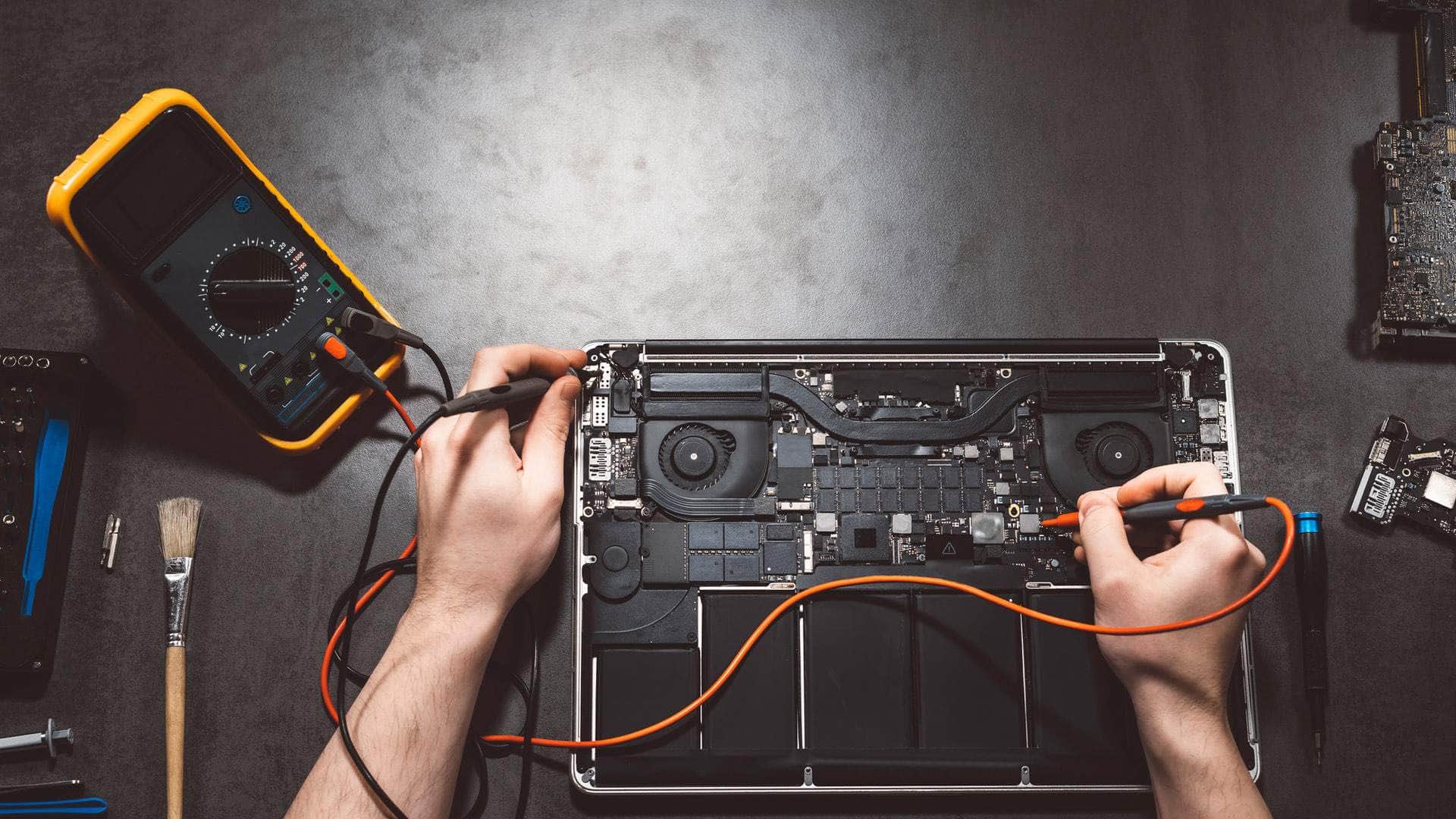
Diagnosis comes first. We look at power and charging, battery health, the display, keyboard and trackpad, any signs of liquid, storage health, and the startup and macOS logs. That helps us narrow down the cause rather than guess. Once we know what is affected, we explain the likely options and agree the plan with you in writing before any work starts.
Will I lose my files if my MacBook got wet?
Not necessarily, but do not assume the files are safe. If the Mac still starts, avoid switching it on repeatedly to rescue files, because repeated start-ups can cause further harm. If the Mac will not start, the files may still be recoverable, though that depends on the storage and the damage. Recovery from a failed logic board is often limited, which is why a current backup is the main protection. Our Mac data recovery and security help covers what is realistic to look at.
How do I bring in a MacBook after a spill?
Call 01548 859773 or send a message through our contact page. Tell us the model name and year, whether the Mac has an Apple chip or an Intel processor, what happened and when, and whether you have a current backup. We will talk through whether the Mac should come to the workshop or whether a visit is more practical. Keep it switched off and unplugged until we have spoken.