
By The KTech team · Published 14 November 2026

MacBook repair in Kingsbridge usually starts with identifying your exact model, describing the fault clearly and backing up your files, before a technician checks the machine at our workshop in East Charleton. We repair MacBooks for households and businesses across the South Hams, including Salcombe, Dartmouth, Totnes and Modbury, and the first steps are the same whether you have an Air, a Pro or an older Intel model.
This guide explains the faults we see most often, what happens when you bring a MacBook in, and how to decide between repairing an older machine and replacing it. If you would like to talk it through first, our Mac repair service covers the full range of work we take on.
How do I find my MacBook model?
Click the Apple menu in the top-left corner and choose About This Mac. The window shows the model name, the year and the chip, which together tell us which parts and repair routes apply to your machine. The serial number printed on the underside of the case also identifies the model if the Mac will not start.
Having this information ready speeds up the first conversation and avoids guesswork. Write down the model, the fault in plain words and anything that changed just before it started, because those details often point straight at the cause.
What are the most common MacBook faults?
Battery, screen, keyboard, charging and liquid damage are the faults we see most often. Each one has a different repair route, so we confirm the cause before any work is agreed.
Battery swelling is the one to act on quickly. A puffed battery can push the trackpad or the case apart, so stop using the machine and bring it in rather than charging it through the fault.
- Battery: the Mac shuts down unexpectedly, drains quickly or the trackpad lifts from the body.
- Screen: lines, flickering, dark patches or cracks after a knock.
- Keyboard and trackpad: keys that stick, repeat or stop responding.
- Charging: the cable fits loosely or the Mac only charges when held at an angle.
- Liquid: a sticky keyboard, a fizzing sound or corrosion around the ports after a spill.
What happens when I bring a MacBook to East Charleton?
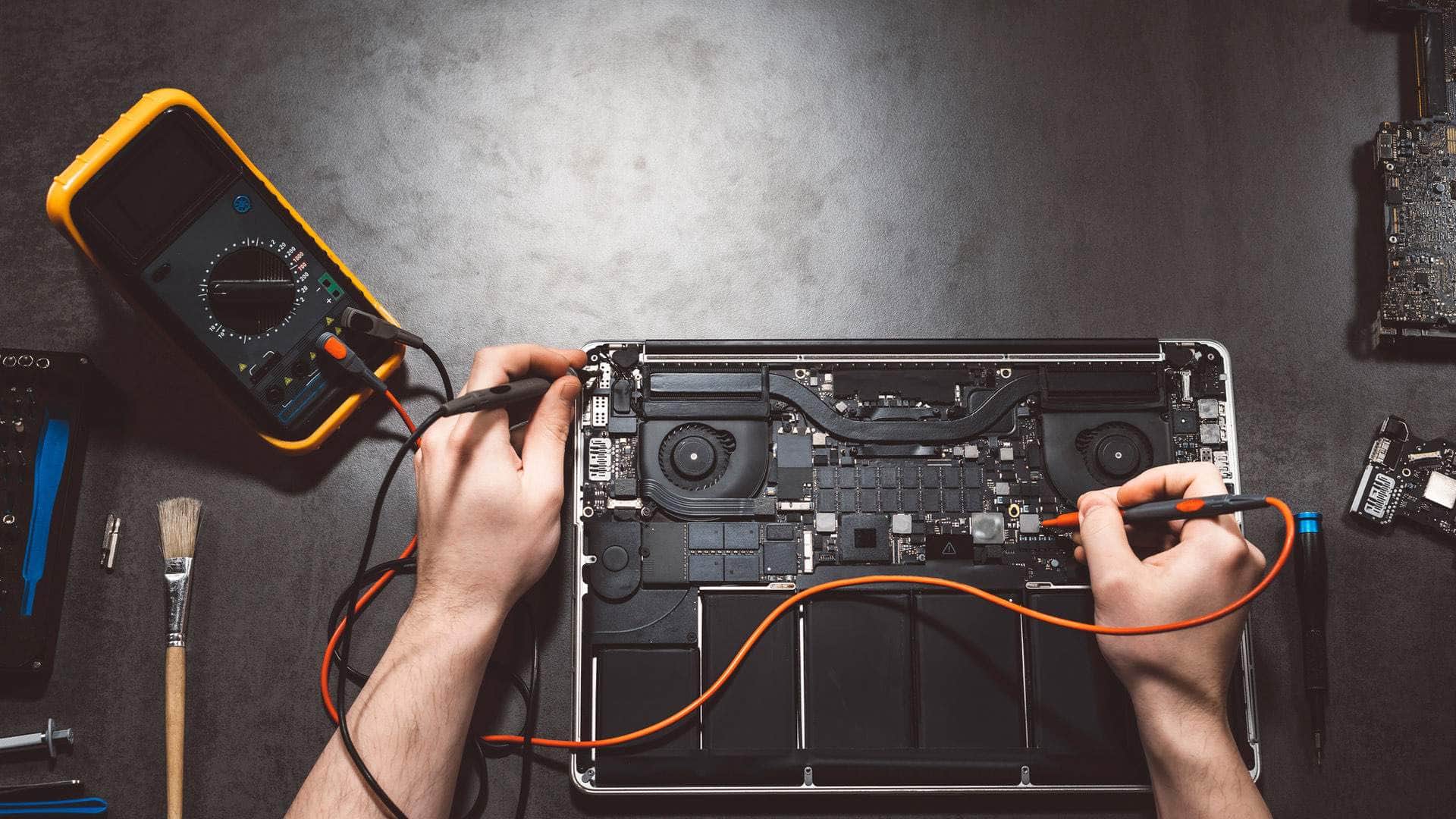
You bring the MacBook to our workshop at Springfield Farm Shop in East Charleton, near Kingsbridge, or arrange a collection in advance. A technician logs the model, the fault and any accessories, then runs diagnostic checks so that the explanation is based on what is actually wrong.
Please leave the charger with the Mac and note any passwords needed to test it. If the machine has to stay with us for parts, we tell you what to expect and keep you updated, rather than leaving it sitting on the bench.
Should I back up my MacBook before repair?
Yes, and it should happen before the Mac leaves your hands. A repair rarely loses data, but a drive can show wear at the same time as another fault, and a backup protects the photos, invoices and work files that matter most.
The simplest route is Time Machine to an external drive, or a sync to iCloud for documents and photos. If the Mac will not start, do not keep retrying it, because repeated attempts can make a failing drive worse. Tell us, and we will look at recovering your files as part of the job.
- Time Machine: a full copy of the system and your personal files on an external drive.
- iCloud Drive: documents and desktop files kept in sync with your other devices.
- Photos: a library that is fully uploaded before the Mac is handed over.
- Accounts: passwords and two-factor sign-in details noted somewhere secure.
Apple silicon and Intel MacBooks: what changes for repairs?
Newer MacBooks with Apple silicon chips have memory built into the main chip package, so memory cannot be upgraded or swapped in the way it could on older machines. A fault on the logic board is usually diagnosed and repaired at board level rather than by replacing one clearly separate part.
Some older Intel models, mainly those from before 2016, have storage that can be removed, and the oldest have removable memory too, which can make some repairs and upgrades more straightforward. Knowing which family your MacBook belongs to helps us tell you early whether a repair is practical for that machine. If your Mac has simply slowed down rather than failed, our guide to slow Mac help covers the checks worth trying first.
Should I repair or replace my MacBook?
The answer depends on the age of the machine, the fault, how you use it and the state of your data. A battery or keyboard repair on a well-supported Mac is often worthwhile, while a damaged logic board on a very old model may not be.
Ask whether Apple still supplies macOS security updates for your model, because an unsupported Mac is a risk for online banking and email. We give an honest view of both options and will not push a repair you do not need. If you decide to replace it, we can help set up the new machine and move your files across.
- Repair is often sensible when the Mac still receives updates and the fault is contained.
- Replacement may be better when the logic board or several parts are failing together.
- Compare the value of the data and the software you rely on with the age of the machine.
- Keep in mind how you use the Mac: everyday browsing and email is different from video editing.