
By The KTech team · Published 14 November 2026
Remote IT support across Devon and Cornwall means fixing many software, account and network problems through a secure session, so you rarely need to travel to us or wait for a visit. We provide remote help from our Kingsbridge base to homes and businesses in Salcombe, Totnes, Dartmouth and the wider South Hams, and our IT support service explains what is covered.
This guide explains what can be fixed remotely, how a safe session works, how to tell a genuine session from a scam caller and when a visit or a trip to our workshop in East Charleton is the better option. Remote help is quick for many problems, but it does not replace hands-on repair when the fault is physical.
What can be fixed remotely?
Many everyday problems are software-based, which means they can be solved through a secure remote session. Examples include email set-up, printer drivers, Wi-Fi settings, updates that have stalled, Microsoft 365 sign-in problems and slow computers caused by too many start-up programs. A quick session often gets a stuck machine working in less time than a trip would take.
Remote support also helps with account recovery, software installs, backup checks and advice on how a particular setup should be arranged. Because the technician can see your screen, explanations are usually clearer than they would be over the phone alone. We will tell you at the start whether the job is likely to be remote or needs a visit.
- Email, calendar and Microsoft 365 set-up
- Printer drivers and shared printer settings
- Wi-Fi, router settings and network connections
- Stalled updates and slow start-up
- Account sign-in and password resets
How does a safe remote session work?
A safe remote session is started by you, usually after you have shared a session code or accepted a clear request on screen. You can watch what the technician does, ask questions as it happens and end the session at any point. Good providers use established tools and never ask you to install something unfamiliar just to connect.
Before a session starts, close anything private you do not want seen, such as banking pages or personal documents. Keep work devices separate from anything you do not want shared. Once the job is done, check that the session has ended and ask for a short note of what was changed.
How can I tell a genuine session from a scam caller?
Scam callers often claim your computer is infected, ask you to install remote access software or demand payment in gift cards. A genuine provider will not cold-call you about a virus, and will not push you into a session you did not request. If you did not ask for help, hang up and do not share any codes.
If you have already given someone access, disconnect the computer from the internet, change your important passwords from another device and call a repairer you trust. Keep the number of that repairer written down before you need it, so you are not searching for help in a rush.
- Unsolicited calls about viruses or hacking
- Requests to install remote access software
- Demands for payment by gift card or bank transfer
- Pressure to act immediately or keep the call secret
When do we need a visit or the workshop?
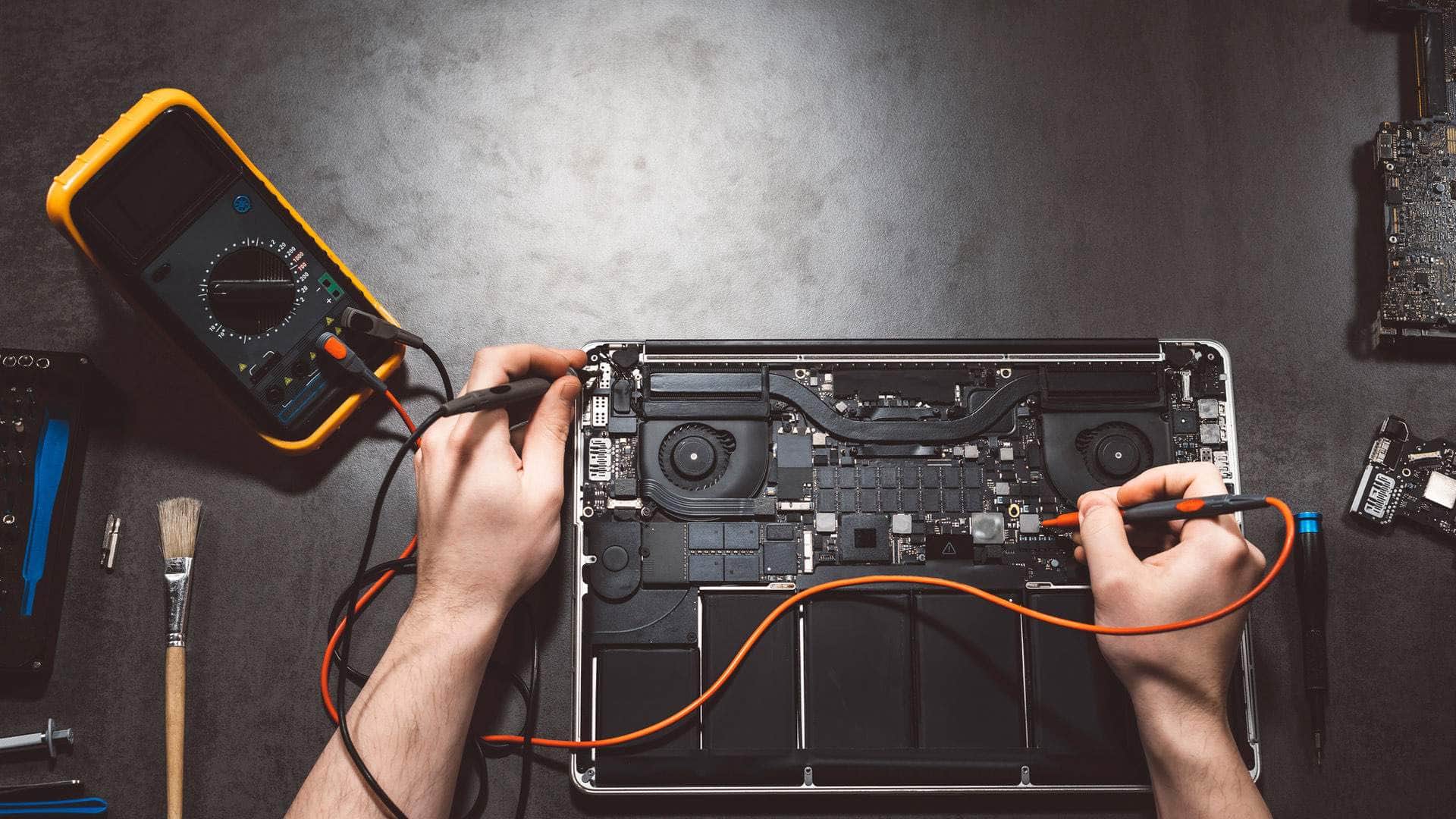
Hardware problems usually need hands-on work. A cracked screen, a failing drive, a dead battery, liquid damage or a machine that will not power on cannot be solved through a session. A technician needs to see the device in person to diagnose these faults properly.
Our workshop at Springfield Farm Shop in East Charleton, near Kingsbridge, takes machines in person, and a visit can be arranged where moving equipment is impractical. We will explain which route is best before anything is booked, so there are no surprises on the day.
Can you support my team across Devon and Cornwall?
Yes. Remote support suits businesses with staff spread across Devon and Cornwall, because it removes the need for travel for many problems. Shared systems, email and cloud services can be managed from a distance, while local equipment is handled by arrangement. Our IT support page explains how this works in practice.
Teams with a regular need for help often find a planned arrangement more useful than calling each time. Quick questions can sometimes be answered by WhatsApp message, which saves a call when a screenshot will do. Ask how urgent problems are handled, and agree the first steps in advance so everyone knows what to do when a fault appears. Our guide to small business IT support in the South Hams shows how a planned arrangement fits a growing team.
- Email, cloud files and shared systems managed remotely
- Local equipment handled by arrangement
- Quick questions answered by message
- A plan for urgent problems agreed in advance
How do I get started with remote support?
Start by writing down the problem, when it began and what changed beforehand, along with the make and model of the device. Note any error messages, and take a photo or screenshot if you can, because a picture often explains a problem faster than a description. Keep the charger and internet connection working during the session.
If you are unsure whether a remote session is suitable, ask us first and we will say so honestly. Before you hand over any access, make sure your important files are backed up and that you know who you are speaking to. Use the contact page to get in touch, and we will explain the next steps.