
By The KTech team · Published 14 November 2026
A holiday-let tech checklist for Salcombe owners should cover guest Wi-Fi, smart devices, booking records and the electrical items guests use, with each one checked before the season and reset between stays. We support holiday cottages and self-catering properties across Salcombe and the wider South Hams from our East Charleton workshop, and our Salcombe area page describes the local support we provide.
This checklist walks through the set-up we see most often in holiday lets, from keeping guest internet separate from owner devices to placing the router in a thick-walled cottage. It also covers what to do when a guest reports a fault, because a clear routine saves time between changeovers. Work through it once a year and again before the busiest weeks.
Why should guest Wi-Fi be separate from owner devices?
Guests expect a reliable connection, and owners need their own devices to stay private and secure. Putting both on one network means a guest's phone or a stray download could reach the printer, the booking system or the tablet you use for accounts. A separate guest network keeps those worlds apart and makes problems easier to isolate.
Give the guest network its own name and password, and change that password when the property is handed to a new booking, if your system allows it. Keep owner devices on the main network with stronger sign-in. Our holiday let guest Wi-Fi guide explains the options in more depth.
- Guest network name and password shared only in the welcome information
- Owner laptops, phones and accounts kept off the guest network
- Printers and shared storage kept on the main network only
- Password changed when the property is handed to a new guest
Where should the router go in a thick-walled cottage?
Many Salcombe cottages have thick stone or solid walls that weaken Wi-Fi signals, so the router position matters more than the model. Place it as near the middle of the property as possible, off the floor and away from metal cabinets, mirrors and large appliances. A quick walk-around with a phone shows where the signal drops away.
Where a bedroom or outbuilding is weak, a mesh system or a wired access point can fill the gap without re-cabling the whole property. Check whether the router was supplied by your broadband provider and whether a better unit would help. Our Wi-Fi boosting service covers this kind of set-up.
What should be reset between guests?
Smart locks, televisions, thermostats and streaming accounts can keep a previous guest's settings or access. Reset them to a known state before each arrival, removing guest accounts and changing any shared codes. Keep a written list of every device and where its settings live, so nothing is missed during a busy changeover.
Smart locks deserve particular care, because a code that is not changed can give access to people who have already left. Check that each device returns to its default set-up and that the owner account stays under your control. Agree who does this checking, and when, so it becomes part of the routine rather than something remembered in a hurry.
- Smart lock codes changed and old guest codes removed
- Streaming and TV accounts signed out of guest profiles
- Thermostat schedules returned to the standard set-up
- Owner accounts checked to confirm they are still under your control
- Device list updated whenever new equipment is added
How should booking records and guest data be backed up?
Booking records, guest messages and invoices are the data that keeps a holiday let running, and losing them costs time as well as money. Keep an up-to-date copy of your booking platform export, invoices and key documents somewhere separate from the device you use every day. Check that the copy can actually be opened, not just that it exists.
Use a backup routine that runs without you needing to remember it, and keep the login details for cloud accounts stored securely. If a laptop fails in the middle of the season, you should be able to restore the records quickly. Our guide on holiday let backups explains how to build this routine.
Which electrical items need PAT testing?
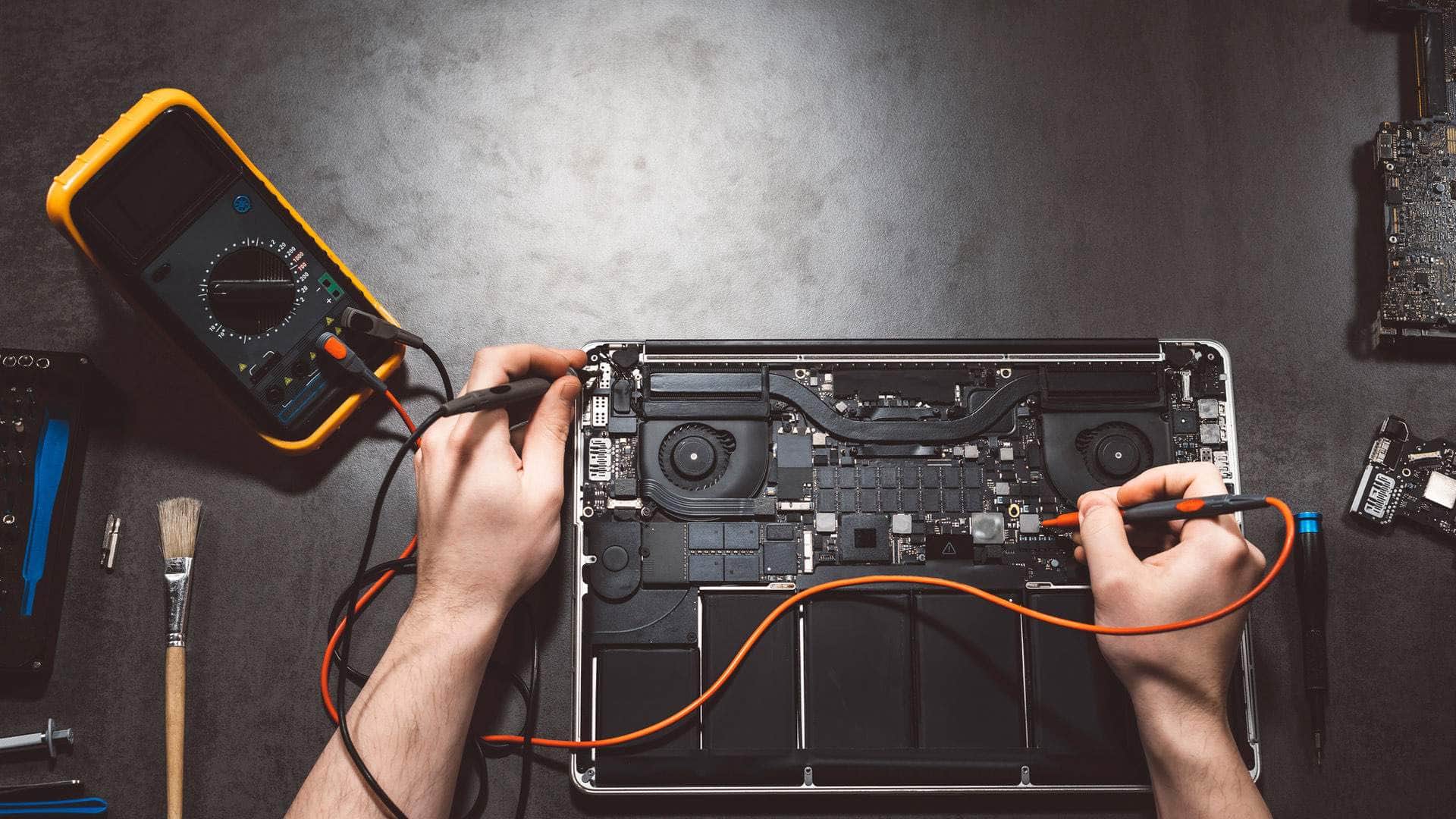
Guests use kettles, hairdryers, extension leads, chargers, toasters and electric heaters, and each one should be safe before the next booking. PAT testing, which stands for portable appliance testing, combines a visual inspection with electrical tests on portable equipment. It is a practical way to show that guest appliances have been checked properly.
Testing frequency depends on the type of equipment and how it is used, so ask for advice on the schedule rather than guessing. Keep a record of each test and label items once they have passed. Our PAT testing service covers the checks for holiday lets, and visits can often be arranged around changeovers.
- Kettles, toasters and hairdryers
- Extension leads and multi-way adaptors
- Chargers and portable appliances left in the property
- Electric heaters and fans
Who should a guest call when something goes wrong?
Give guests a simple route for reporting a fault, such as a welcome card with a contact number and a note of what to try first. Simple fixes, like restarting the router or switching a device off and on, solve many problems before anyone needs to visit. Make clear that urgent safety issues, such as a burning smell or exposed wiring, must be dealt with at once.
Keep a short fault log so you can see which problems come back and which devices need attention. If the issue is network or device related, call a technician who knows holiday let set-ups. Use the contact page to tell us about the property, and we will explain the options for your situation.