Scary pop-up on your screen? Don't call the number. Call someone local
Don't call the number on the screen, and don't let anyone connect to your computer remotely. These warnings are designed to frighten you. Call us instead.
Open Mon–Sat 09:00–17:00 · Sun 10:00–16:00
What these pop-ups look like
They come in a few familiar forms. You may recognise one of these:
- A full-screen page saying your computer is locked, with loud alarms or a voice reading out a warning.
- A copy of a Microsoft or Apple logo, and a message that your device is infected.
- A countdown timer and a phone number to ring.
- A message telling you not to turn your computer off.
- A browser pop-up that imitates a security warning.
- A phone call that claims to be from Microsoft, BT or your broadband provider about a fault on your computer.
If you already called or let them in
Please don't worry, and please don't feel embarrassed. These scams are built to catch careful people, and it happens to a great many of them.
Call us. If you paid anyone or shared card details, call your bank too. If someone has been in your accounts, our page on being hacked explains how we can help.
Talk to us
Call us or send a message. We will tell you the quickest safe way to help.
What we do
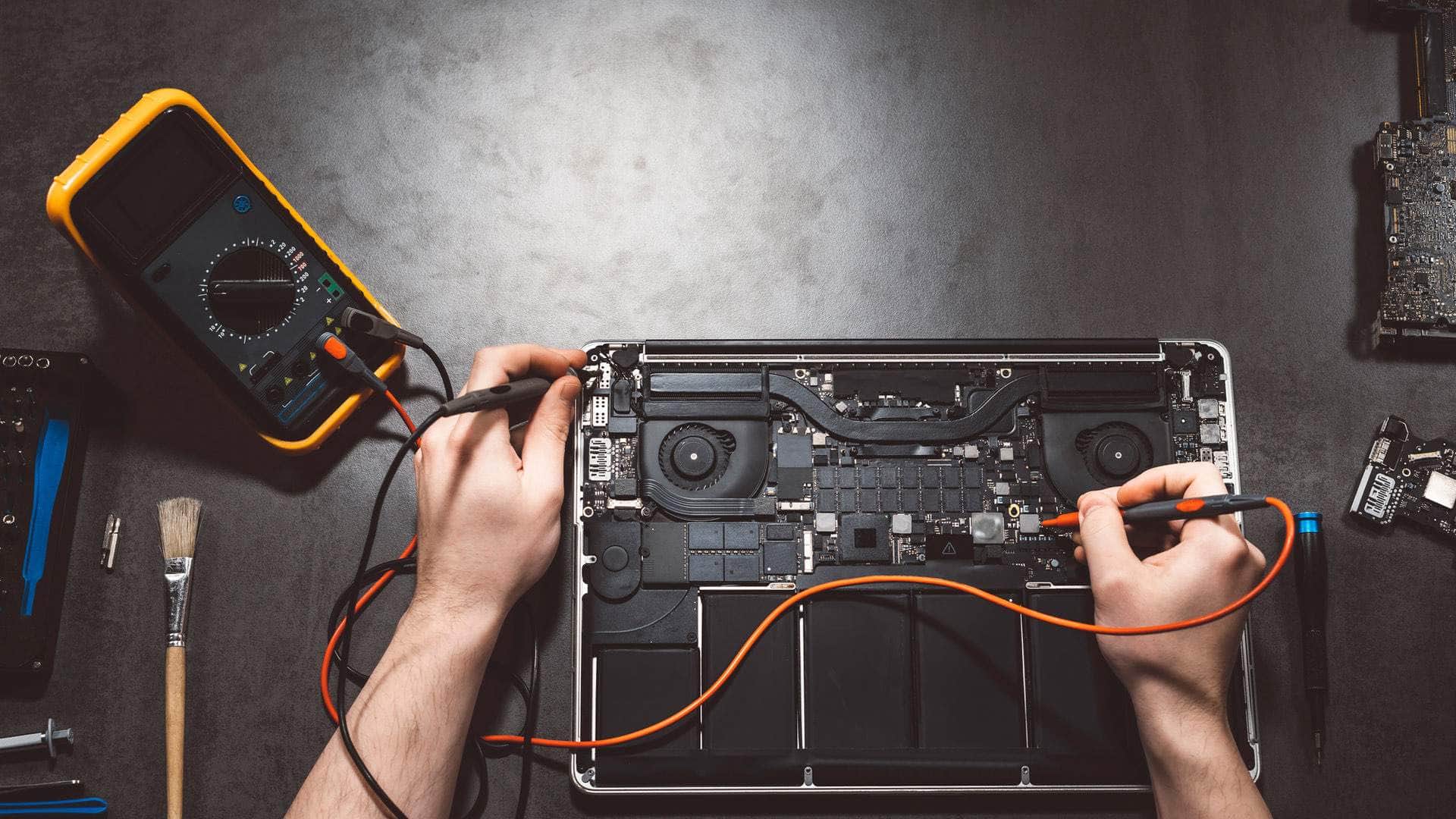
We check the computer properly, remove anything that should not be there, and look at your browsers and accounts. Then we set things up so the same warning is far less likely to come back. We can do this remotely or on site.
Related help
- Cyber securityReviews, email and account protection, and help if something goes wrong.
- Been hacked? Get helpEmail, accounts or a computer that someone else may have reached.
- Virus and malware removalA slow, strange or infected PC or Mac.
- Ransomware helpFiles locked, or a ransom note on screen.
- Cyber threats in the South HamsThe scams and risks local homes and businesses face, in plain words.
- Contact usCall, send a message or book a remote session.
Frequently asked questions
Is my computer really infected?+
Often it is not. These pages are usually a scam rather than a genuine warning, but it is worth having the computer checked. Call us.
Does Microsoft ever call or show a number?+
Microsoft says it does not make unsolicited calls to offer technical support. If you are unsure about a call or a screen, call us before you do anything.
I gave them remote access. What now?+
Switch the computer off and call us.
Can you check it remotely?+
Often we can. Call us first and we will tell you whether remote help is safe in your case.