Remote IT support from our Kingsbridge team
Many computer problems can be looked at without a visit. We talk you through it, connect to your screen once you have asked us to, and fix what we can while you watch.
Open Mon–Sat 09:00–17:00 · Sun 10:00–16:00
How a session works
You contact us first, by phone, through our contact page or by booking a session. We talk through the problem, agree what we will do, and only then ask you to start the connection. We never cold-call people to connect to their computers.
That is also how you can tell it is really us: you started the conversation, and we will always explain what we are doing as we go.
Remote sessions start with a £25 deposit.
What can and can't be fixed remotely
Software faults, email and account problems, printer and WiFi settings, Microsoft 365 and setting up new programs are often fine to do remotely.
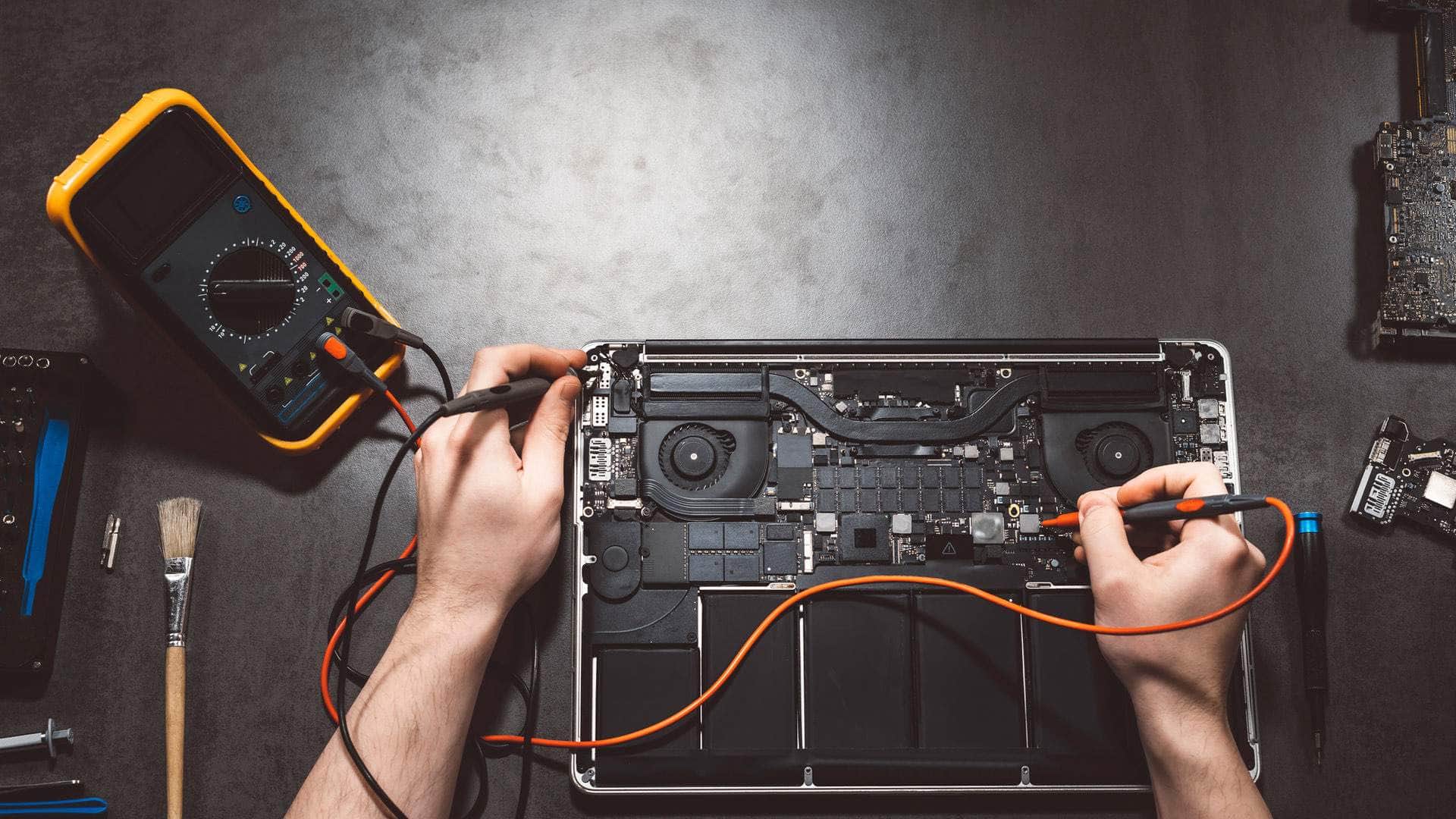
Broken screens, failed drives, dead batteries and computers that will not switch on need hands-on work. If that is the case, we will say so, and you can drop the computer in at our workshop at Springfield Farm Shop, East Charleton.
Talk to us
Call us or send a message. We will tell you the quickest safe way to help.
Customers outside the South Hams
If you are further away, you can start a conversation with us on WhatsApp and we will take it from there.
Related help
Where we work: Kingsbridge, Salcombe, Dartmouth, Totnes, Ivybridge, Modbury, Frogmore.
Frequently asked questions
How do I know it is really you?+
Because you contacted us first. We will never ask to connect to your computer unless you have asked for help.
What if a pop-up tells me to call a number?+
Do not call it. Those warnings are a scam. Call us instead and see our page on scam pop-ups.
Do I need to be technical?+
Not at all. We will guide you through the few steps needed to start, in plain language.
Can you always fix it remotely?+
No. If the problem needs hands-on repair, we will tell you straight away and suggest the best way to get it to us.