
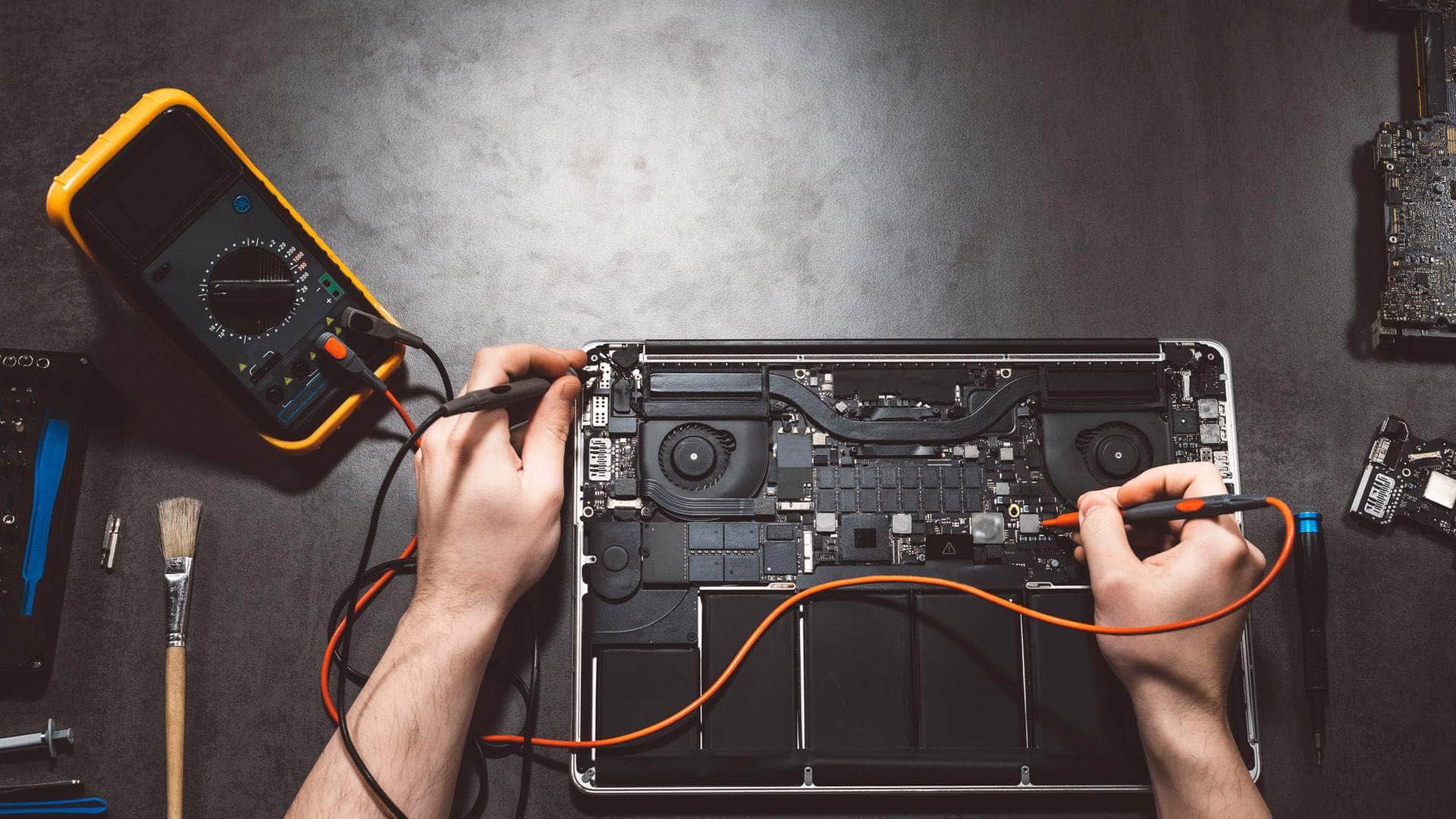
Intel MacBook repair in Kingsbridge
We repair 2015-2020 Intel MacBook Pro, MacBook Air and 12-inch MacBook models in Kingsbridge, tell you whether a repair is worth it on an ageing Intel Mac, and can help move your files to a new Mac if that makes more sense.
Open Mon–Sat 09:00–17:00 · Sun 10:00–16:00
Which Intel MacBooks this page covers
This page is for Intel MacBook Air, MacBook Pro and 12-inch MacBook models, mostly from 2015 to 2020. They share a design lineage but differ a great deal inside. The model year, the processor and whether the machine has a T2 chip all shape which faults are likely and how much a repair can achieve.
If you are unsure, the serial number and the About This Mac window will identify the model and year. Send those with your question and we can give you a useful first answer.
Sticky, repeating and dead keys
The butterfly keyboard fitted to the 12-inch MacBook, the 2016 to 2019 MacBook Pro (apart from the 16-inch from 2019) and the 2018 and 2019 MacBook Air uses a very shallow key mechanism. Grit can lodge beneath a key and make it stick, double up or stop registering. A single dead key is often the first sign of a wider wear problem.
Cleaning is worth trying first, but it does not fix a worn mechanism. Keyboard replacement is a larger job on these models, so we will set out the options and the trade-offs before any parts are ordered.
Talk to us
Call us or send a message. We will tell you the quickest safe way to help.
The T2 chip and what it means for your data
The 2018 to 2020 MacBook Air and MacBook Pro models carry Apple's T2 security chip, which handles encryption and the storage controller. The SSD is soldered to the logic board. If that board fails, recovering files from the drive is very limited.
A current backup is therefore the most valuable thing you can have. Time Machine to an external drive or iCloud Drive protects your work far better than any repair plan. If a T2 Mac is failing, copy what you need first, then talk to us about the repair.
Older models with removable storage
Many Intel Macs from 2015 and earlier used a removable blade-style SSD rather than storage soldered to the board. Where that applies, a failing drive can often be cloned or imaged onto a replacement, and a larger drive can be fitted if the machine is worth investing in. This is one of the main reasons older Intel Macs can be easier to rescue than T2-era machines.
We confirm which storage your model uses before advising, rather than assume. Drive compatibility varies by model, so we only suggest upgrades that suit the exact machine on your desk.
Touch Bar, display cables and swollen batteries
Touch Bar models can show a blank strip, ignore taps or lose sensitivity after a knock. Some 2016 and 2017 13-inch and 15-inch MacBook Pros also suffer from a display flex cable fault that causes flicker or dimming. We check the symptoms carefully before recommending a new display assembly.
A swollen battery is a safety issue. If the trackpad lifts, the palm rest bulges or the lid will not close flat, stop using the laptop, do not charge it, and keep it away from heat. Call us and we will arrange a safe route to the workshop.
Fans, dust, hinges and ports
Years of use take their toll. Dust clogs the fan intakes, the thermal paste dries out, and the laptop runs hotter and louder. We clean, test and reapply paste where needed, then check temperatures to confirm the difference.
Hinges loosen over time, so the lid may wobble or fail to stay at an angle. USB-C ports, which take a lot of plugging and unplugging, can become loose or intermittent. Some wear is normal at this age, and we will tell you which parts are worth replacing.
Repair or replace? Check macOS support first
Apple has said macOS Tahoe 26 (2025) is the last major macOS release for Intel Macs, so security updates will eventually stop. That is not an emergency, but it should shape your decision. If the fault is minor and the rest of the machine is sound, a repair can extend its useful life sensibly.
If the fault is serious, the logic board has failed, or the machine will soon be out of support, replacement may make more sense, and we will say so plainly. Either way, we can help move your files, settings and apps to a new Mac and set up the backups that keep them safe.
Getting the laptop to us
Bring the laptop to Springfield Farm Shop at East Charleton, Kingsbridge TQ7 2AR, by arrangement. If that is a long way for you, ask about collection from Salcombe, Dartmouth, Totnes, Ivybridge, Modbury or Plymouth, and we can help on site when the job suits it. Call 01548 600127 to agree a time.
Related help
- MacBook repair in KingsbridgeThe hub page for all our MacBook repair work, with links to each model.
- MacBook repair, model by modelCommon MacBook Air and Pro faults and how we diagnose them.
- Computer repair in KingsbridgeHelp with Windows laptops, desktops and other computers from our workshop.
- MacBook Pro repairIntel and Apple Silicon MacBook Pro repairs, from batteries and screens to charging.
- Apple Silicon MacBook repairAn overview of repairs across the Apple Silicon range, from batteries to storage.
Where we work: Kingsbridge, Salcombe, Dartmouth, Totnes, Ivybridge, Modbury, Frogmore.
Frequently asked questions
Is my 2019 MacBook Air a T2 model?+
Most 2018 to 2020 MacBook Air models include the T2 chip, which means the SSD is soldered and encrypted. Send us the serial number and we will confirm your model before you book.
Can I fit a bigger SSD in my Intel MacBook?+
Only on models with removable storage, which generally means older machines. On T2-era models the storage is soldered to the board, so a larger drive is not an option. We will tell you what your model allows.
Will cleaning fix my sticky keyboard?+
Sometimes, if the cause is debris that a careful clean can reach. A worn butterfly mechanism usually needs a keyboard replacement, and we will explain the options before any work starts.
Should I keep using a MacBook with a swollen battery?+
No. Power it down, stop charging it, keep it away from heat and call us. Do not press on the trackpad or try to remove the battery yourself.
Will my Intel MacBook stop getting updates?+
Apple has said macOS Tahoe 26 is the last major release for Intel Macs, so security updates will eventually end. We can talk through what that means for your machine and your files.