
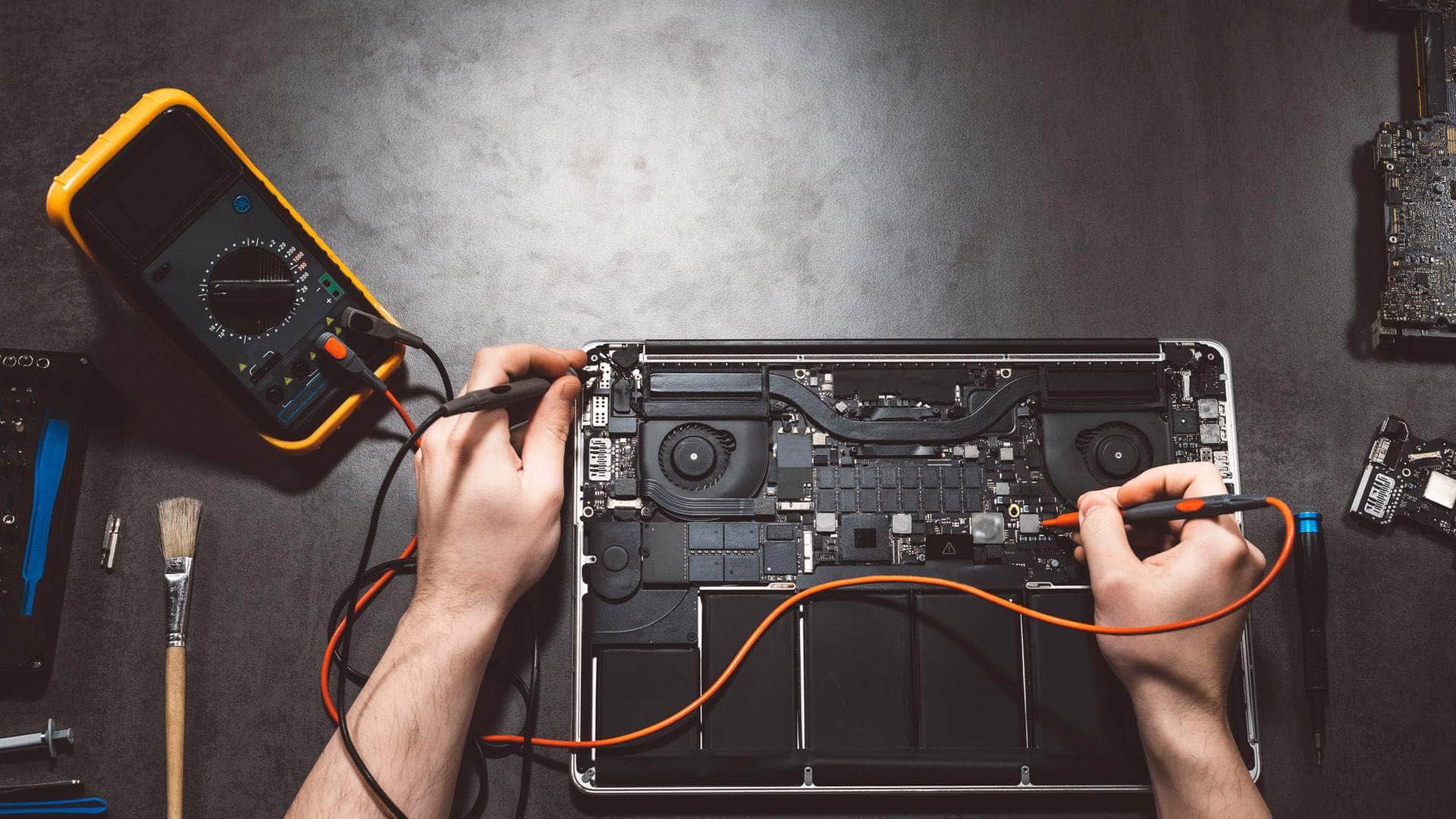
Apple Silicon MacBook repair in Kingsbridge
We repair Apple Silicon MacBooks from the M1 family through to the M5 generation, explain the realistic options before any work starts, and take drop-off at our Kingsbridge workshop by arrangement.
Open Mon–Sat 09:00–17:00 · Sun 10:00–16:00
The M-series family at a glance
Apple Silicon is the name for Apple's own chips, which replaced Intel processors across the Mac range. The first generation, M1, arrived in late 2020 in the MacBook Air and the 13-inch MacBook Pro. The 14-inch and 16-inch MacBook Pro models followed in 2021 with M1 Pro and M1 Max chips. The M2 generation covers machines released across 2022 and 2023.
The M3 generation appeared in the MacBook Pro in November 2023 and in the MacBook Air in March 2024. The M4 generation arrived in the MacBook Pro in October 2024 and in the MacBook Air in March 2025, and the M5 chip debuted in the 14-inch MacBook Pro in October 2025. The newer machines share the same basic architecture, so most of this page applies to them too.
One chip, one shared pool of memory
Every Apple Silicon Mac is a system-on-a-chip, which means the processor, graphics, neural engine and memory controller sit together in one package. The memory is unified, so the processor and graphics draw from the same pool. That is why these machines feel quick with modest memory, but it also means RAM is not a separate module you can swap later.
If a Mac feels short of memory, we can look at which apps and browser tabs are using it, but we cannot fit more memory. Please do not buy a machine on the assumption that it can be upgraded later.
Talk to us
Call us or send a message. We will tell you the quickest safe way to help.
Soldered, always-encrypted storage
On Apple Silicon the SSD storage is soldered to the logic board and encrypted at all times, with the key tied to the chip. That protects your files well in everyday use, but it makes recovery from a failed board very limited. Even a skilled technician may be unable to read the storage from a board that has died, so we cannot promise files will come back in that situation.
A recent backup is therefore the real protection. Time Machine to an external drive, and iCloud for documents and photos, both keep a copy that does not depend on the laptop surviving. Please check that the backup opens before you bring the Mac in.
Software faults, macOS Recovery and DFU restores
Many problems are software-based: a stalled update, a damaged user account, or a Mac that will not get past the Apple logo. macOS Recovery is usually the first step, and it can reinstall the system while leaving your files in place in most cases.
Where that is not enough, a DFU revive uses a second Mac and a cable to rebuild the system from a low-level state. It is a serious step, and a restore erases the drive, so we only carry it out once a backup has been confirmed and you have agreed to it in writing.
Find My and Activation Lock
For some work, Find My and Activation Lock must be switched off, or the owner's Apple ID must be available. This safeguard protects a Mac that has been lost or stolen, and we respect it. If you no longer have the Apple ID password, tell us at the start so we can explain what is still possible before you book.
Heat, batteries and what is realistic to repair
Apple Silicon runs cooler than the Intel machines it replaced, but a Mac that is blocked, used on a soft surface or run hard for long periods still gets warm. Battery wear usually shows as a shorter day or a Service Recommended message. Parts availability varies by model and over time, so we confirm what can be sourced before anything is ordered.
- Batteries: a replacement is usually the sensible step once wear is confirmed.
- Screens and keyboards: often replaceable, subject to parts availability.
- Logic boards: diagnosed first. A failed board is not always economic to repair, and we will say so plainly.
Drop-off and collection around the South Hams
Bring the Mac to Springfield Farm Shop in East Charleton, Kingsbridge TQ7 2AR, by arrangement. If that is awkward, we can collect from Salcombe, Dartmouth or Totnes, and offer on-site help where it suits. Call 01548 600127 or use our contact page to set a time. Every job is different, so we price on the outcome, not by the hour, and agree the price with you in writing before any work starts.
Related help
- MacBook repair in KingsbridgeOur full MacBook repair service, covering every model we work on.
- MacBook repair, model by modelCommon MacBook Air and Pro faults and how we diagnose them.
- Computer repair in KingsbridgeRepairs for Windows PCs, laptops and other computers across the South Hams.
- M1 MacBook repairRepairs for M1 MacBook models, including charging, batteries and screens.
- M2 MacBook repairRepairs for M2 MacBook models, including MagSafe charging and battery work.
- M3 MacBook repairRepairs for M3 MacBook Pro and MacBook Air models, from batteries to logic boards.
Where we work: Kingsbridge, Salcombe, Dartmouth, Totnes, Ivybridge, Modbury, Frogmore.
Frequently asked questions
Can I add memory to an M3 MacBook Air?+
No. Apple Silicon uses unified memory that is part of the chip package, so it cannot be upgraded. We can check how your current memory is being used and suggest sensible habits instead.
Can you recover files from a MacBook with a dead logic board?+
Recovery from a failed Apple Silicon board is very limited because the storage is soldered and encrypted. A recent Time Machine or iCloud backup is the reliable route, so please keep one up to date.
Will a DFU restore delete my files?+
Yes. A restore erases the drive, which is why we only do one after a backup is confirmed and you have agreed to it in writing. We explain the steps before anything is changed.
Do I need Find My switched off before you can work on it?+
For some repairs and restores, yes, or the owner's Apple ID must be available. Tell us early if you do not have the password, and we will explain what we can do.
Is an M4 or M5 MacBook Pro repair different from an M1 repair?+
The overall approach is similar, because the architecture is shared. Parts availability and the exact procedure depend on the model, so we confirm both after diagnosis rather than guessing from the chip name.