
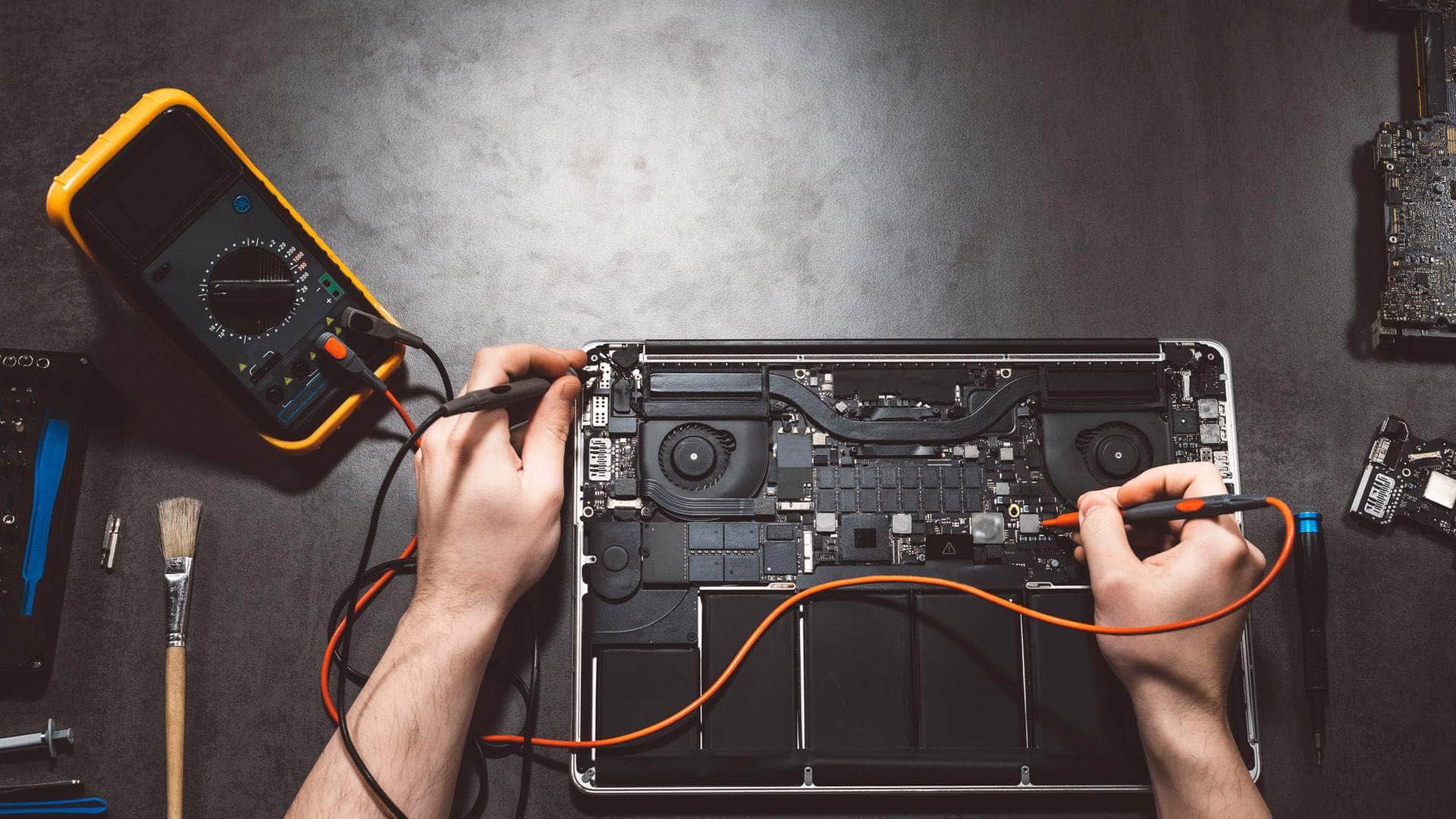
MacBook Pro repair in Kingsbridge
We repair Intel MacBook Pro models in the 13-inch, 15-inch and 16-inch sizes, and Apple Silicon models in the 13-inch, 14-inch and 16-inch sizes, with drop-off at our Kingsbridge workshop by arrangement.
Open Mon–Sat 09:00–17:00 · Sun 10:00–16:00
Which MacBook Pro models we see
The MacBook Pro line spans two very different generations of hardware, and the right repair depends on which one you have. Intel models cover the 13-inch, 15-inch and 16-inch machines sold up to 2020, many of which have a Touch Bar. Apple Silicon models cover the 13-inch, 14-inch and 16-inch machines that replaced them, built around Apple's own chips.
Knowing the exact model year and chip before you book saves time. The serial number and the About This Mac screen will tell us what we are dealing with, and we will check both before quoting anything.
Batteries and Service Recommended warnings
A tired battery shows up as a shorter day, a machine that shuts down at a surprising percentage, or a warning that the battery needs servicing. The Service Recommended message in System Settings is Apple's way of saying the battery has lost capacity or is behaving unpredictably. It is worth taking seriously, particularly if the laptop swells, because a swollen cell can lift the trackpad or the case.
We will test the battery and its health reading first, then explain whether a replacement is the sensible step. On the newer models the battery is fixed into the chassis, so the repair involves more care than a simple swap, and we will tell you how long it is likely to take once we have looked.
Talk to us
Call us or send a message. We will tell you the quickest safe way to help.
Screens and the 2016-2017 flexgate problem
Some 2016 and 2017 13-inch MacBook Pro screens develop a backlight fault where the display flex cable, the thin ribbon that carries the image, wears or cracks near its hinge. The symptom is a screen that flickers, dims in patches, or goes black when the lid is moved. Many people call this flexgate.
A new display assembly usually fixes it, but the cost is weighed against the age of the machine. If the rest of the laptop is worn, we will say so and talk through the options before any parts are ordered. Screens with cracks through the glass are a separate job, and parts availability for older panels varies.
Fans, heat and thermal paste on Intel models
Intel MacBook Pros run hot under sustained load, and over time the fans work harder to keep up. Dust builds up in the intake and on the heatsink fins, and the thermal paste between the processor and the heatsink dries out and loses its grip. The result is loud fans, a laptop that slows down during video exports, and a chassis that feels warm on the palm rest.
A proper clean, with fresh thermal paste applied correctly, often brings temperatures back under control. We check fan speeds and sensor readings before and after, so you can see whether the work has made a difference.
Charging: USB-C, Thunderbolt and MagSafe 3
Most MacBook Pros charge through USB-C or Thunderbolt ports. A loose or damaged port can cause intermittent charging, a cable that only works at one angle, or a laptop that stops charging when it is moved. Debris in the port is a common cause and is often easy to deal with.
The 14-inch and 16-inch models released from 2021 return to MagSafe 3, which magnetically detaches if the cable is pulled. If the magnetic connector stops holding or stops charging, we check the port, the cable and the charging board before recommending a replacement part.
Keyboards and the HDMI and SD card ports
The 2016 to 2019 MacBook Pros used a butterfly keyboard, which is prone to keys that repeat, stick or stop responding because dust works its way under the key caps. The 16-inch model from 2019 moved to a scissor-switch keyboard, so the symptoms and the repair approach differ. Please tell us which generation you have, because the parts are not interchangeable.
On the 14-inch and 16-inch models from 2021, the HDMI port and the SD card slot can develop faults, such as an external display that will not be detected, or a card that reads intermittently. We test both ports with known-good accessories where we can, so the cause is clear before any board-level work is discussed.
Kernel panics, heavy workloads and backups
Kernel panics, sudden restarts and spinning beach balls under heavy work can point to a software conflict, a failing drive or an overheating processor, and the cause is not always obvious. We look at logs, run diagnostics and check temperatures before deciding which it is.
Please back up before you bring the laptop in. On Apple Silicon and T2 Intel machines the storage is soldered to the logic board and encrypted, and recovering data from a failed board is limited. Time Machine and iCloud are the main protection, so a recent backup matters more than any repair plan. Find My and Activation Lock must be switched off, or the owner's Apple ID must be available, before we can do some kinds of work.
Drop-off and collection around the South Hams
You can bring the MacBook Pro to our workshop at Springfield Farm Shop in East Charleton, Kingsbridge TQ7 2AR, by arrangement. If getting there is awkward, we can often collect the laptop from places such as Salcombe, Dartmouth, Totnes, Ivybridge, Modbury or Plymouth, and we can also help on site where that suits the job.
Some faults, such as a failed logic board, may not be economic to repair. If that is the case with your machine, we will say so plainly and explain the realistic options, including keeping your data safe while you decide.
Related help
- MacBook repair in KingsbridgeOur full MacBook repair service, covering every model we work on.
- MacBook repair, model by modelCommon MacBook Air and Pro faults and how we diagnose them.
- Computer repair in KingsbridgeRepairs for Windows PCs, laptops and other computers across the South Hams.
- Intel MacBook repairRepairs for Intel MacBook models, including fans, batteries and keyboards.
- Apple Silicon MacBook repairRepairs for M-series MacBooks, from battery and screen work to charging ports.
Where we work: Kingsbridge, Salcombe, Dartmouth, Totnes, Ivybridge, Modbury, Frogmore.
Frequently asked questions
Can you tell which MacBook Pro model I have?+
Yes. The serial number and the About This Mac screen give us the model, year and chip. If you can read those to us when you call on 01548 600127, we can usually say which repairs apply before you bring it in.
Will my MacBook Pro screen be fixed if it has flexgate?+
It depends on the model and what else is wrong with the laptop. A display flex cable fault on a 2016 or 2017 13-inch model can often be fixed by replacing the display assembly, but we will check the rest of the machine first and tell you if the repair is not sensible.
Do I need to back up before a MacBook Pro repair?+
Yes, please. Recovering data from a failed board is limited on Apple Silicon and T2 Intel machines, so a recent Time Machine or iCloud backup is the safest protection. Please also have Find My and Activation Lock sorted before drop-off.
Can you deal with a loud fan on an Intel MacBook Pro?+
Often, yes. A loud fan is usually dust in the intake or dried thermal paste. We clean the cooling system, refresh the paste where needed, and check the temperatures before and after so you can see the difference.
Will you fix a keyboard on an older MacBook Pro?+
We can look at keys that repeat or stop working. Butterfly keyboards from 2016 to 2019 are prone to dust problems, and the 16-inch 2019 model uses a different scissor keyboard, so we confirm the generation before we talk through the options and timescale.