
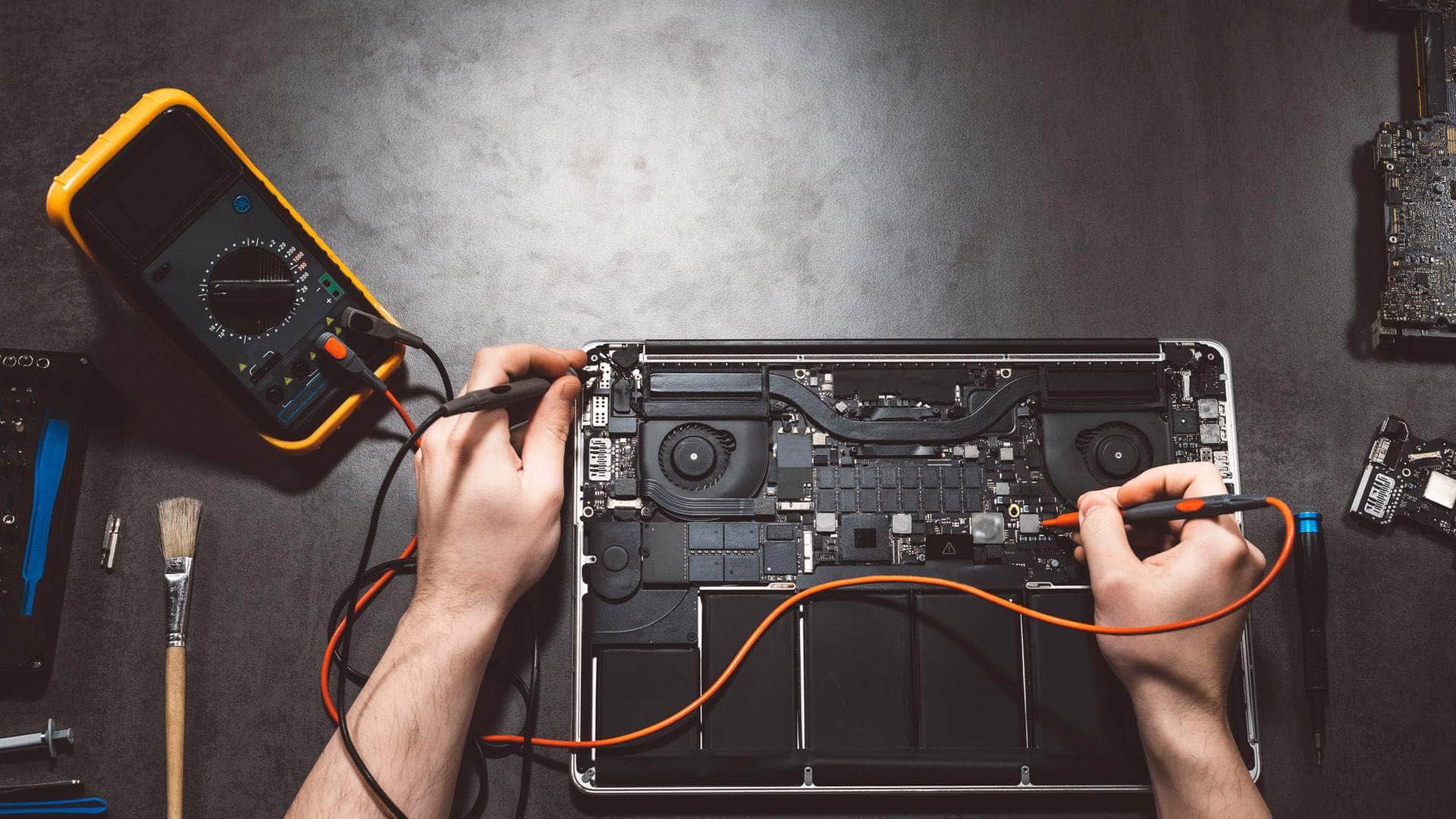
M1 MacBook repair in Kingsbridge
We repair the M1 MacBook Air, the 13-inch MacBook Pro and the 14-inch and 16-inch MacBook Pro with M1 Pro or M1 Max at our Kingsbridge workshop. That covers batteries, screens, keyboards, ports, liquid damage, storage and macOS update problems. We explain part options before work starts and give a realistic timescale once we have diagnosed the fault.
Open Mon–Sat 09:00–17:00 · Sun 10:00–16:00
The M1 models we see most often
The M1 generation covers three quite different machines, so the first step is confirming which one is on your desk. The MacBook Air M1 from late 2020 has no fan, which keeps it silent but means heat builds up under long, heavy loads. It charges through USB-C. The 13-inch MacBook Pro M1, also from late 2020, still has the Touch Bar and a fan.
The 14-inch and 16-inch MacBook Pro models from 2021 use M1 Pro or M1 Max chips, with a notched display, MagSafe 3 charging, HDMI and an SD card slot. Faults on those ports differ from USB-C faults on an Air, so we check the exact connector first.
Battery wear on machines of this age
M1 machines are now several years old, so battery wear is a common reason to have one looked at. If your Mac shuts down with charge still showing, or run time has fallen sharply, the cell is probably worn. A swollen battery is different: if the trackpad lifts or the lid will not close flat, stop charging and get it looked at, because a swollen cell can be a safety risk.
On a well-kept M1 Air, a new battery is often worth fitting if the rest of the machine is sound. If the logic board is also failing, or the repairs approach the value of a newer machine, we will say so and talk through the options with you.
Talk to us
Call us or send a message. We will tell you the quickest safe way to help.
Screens, keyboards and charging ports
- Screens: cracks, lines and dead patches can be glass damage or a fault in the display assembly, and the part we need depends on which.
- Keyboards: sticky or unresponsive keys often come from debris or an earlier liquid event. Individual keys are not always replaceable, so we explain whether the top case needs swapping.
- Charging: a Mac that will not charge may have a damaged port, a faulty cable or adapter, or a logic board fault. We test each possibility in turn rather than replacing the port first.
- MagSafe 3 and HDMI on the Pro models: a damaged MagSafe connector or HDMI socket can usually be repaired, but parts are not always in stock, so we confirm availability before you commit.
Liquid damage and when a logic board is not economic
Corrosion can spread across the logic board after a spill, even when the machine seems fine the next day. Switch it off, unplug it and leave it alone, then bring it in as soon as you can. Some boards can be cleaned and repaired, while others have damage that is not economic to fix, and we will tell you which applies.
Storage running low, slow performance and macOS updates
The SSD is soldered to the logic board and encrypted, and the memory cannot be upgraded later, so a nearly full disk is a common cause of a sluggish M1. Move old photos, large videos and archived downloads to an external drive or iCloud before assuming something is broken.
Failed macOS updates usually come down to low disk space, an interrupted download or a damaged install. Retry on a stable connection with the charger plugged in. If it keeps failing, we will look at the install and the disk and tell you honestly whether a clean reinstall is the right route.
Backups, Find My and what to expect
- Back up first. Time Machine or iCloud Drive gives you the safest copy, and we would rather you had one before the machine arrives.
- Find My and Activation Lock must be switched off, or the owner's Apple ID must be available, for some work. Have the password to hand when you book in.
Drop-off in Kingsbridge and collection around the South Hams
Bring your M1 MacBook to Springfield Farm Shop in East Charleton, near Kingsbridge (TQ7 2AR), by arrangement. Call 01548 600127 first so we can confirm a time and tell you what to bring, such as the charger and any login details we will need.
If the drive is awkward, we can arrange collection and on-site help around the South Hams, including Salcombe, Dartmouth, Totnes, Ivybridge, Modbury and Plymouth.
Related help
- MacBook repair in KingsbridgeThe hub page for all our MacBook repair work, with links to each model.
- MacBook repair, model by modelCommon MacBook Air and Pro faults and how we diagnose them.
- Computer repair in KingsbridgeHelp with Windows laptops, desktops and other computers from our workshop.
- M2 MacBook repairRepairs for M2 MacBook Air and Pro models, including MagSafe and battery work.
- Apple Silicon MacBook repairAn overview of repairs across all Apple Silicon MacBooks, from the M1 onwards.
Where we work: Kingsbridge, Salcombe, Dartmouth, Totnes, Ivybridge, Modbury, Frogmore.
Frequently asked questions
Is my M1 MacBook Air worth repairing or should I replace it?+
It depends on the fault. A battery alone on a well-kept Air is often worth fixing. If the logic board is failing too, we will say honestly whether repair makes sense.
Why does only one monitor work through my dock on an M1 Air?+
The M1 MacBook Air and the 13-inch M1 MacBook Pro support one external display natively, so a second screen will not work however the dock is set up. Check the model's specification before assuming the dock is broken.
My M1 MacBook Pro shuts off even though the battery shows charge. What now?+
That often points to a worn battery, but it can also be a power or logic board fault. Check the cycle count first, then bring the machine in. We test before recommending any repair.
Can you recover files from an M1 MacBook with a dead logic board?+
Sometimes, but recovery from a dead board is limited, because the SSD is soldered to the board and encrypted. A recent backup in Time Machine or iCloud is the reliable protection, so please make one whenever you can.
What should I do if my M1 MacBook has been splashed with liquid?+
Switch it off, unplug it and bring it in soon. Corrosion can develop after the machine looks dry, and we will explain what can be cleaned and whether repair is economic.