
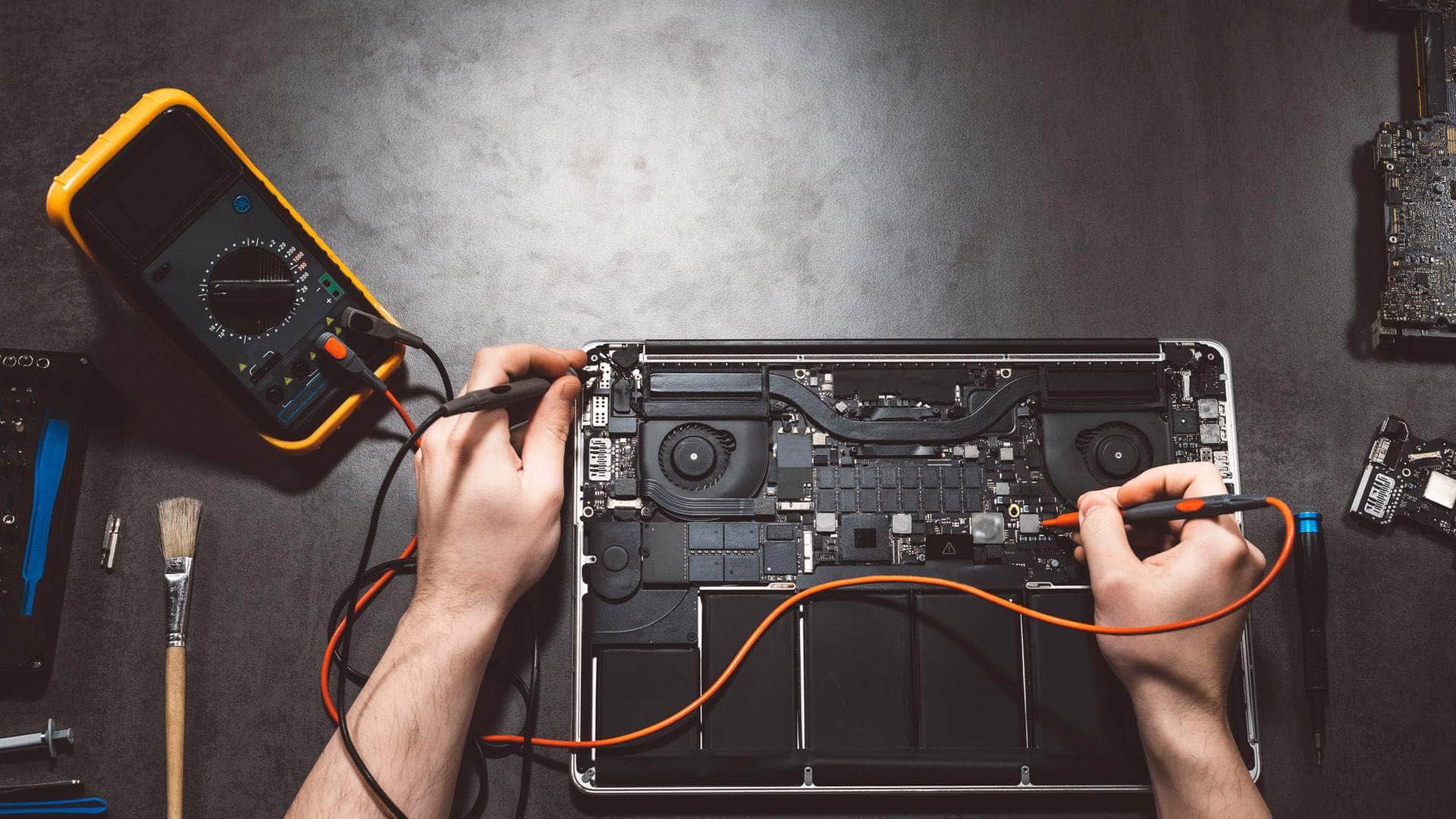
M2 MacBook repair in Kingsbridge
We repair the M2 generation of MacBook Air in 13-inch and 15-inch sizes, the 13-inch MacBook Pro with Touch Bar, and the 14-inch and 16-inch MacBook Pro models with M2 Pro or M2 Max chips, with drop-off at our Kingsbridge workshop by arrangement.
Open Mon–Sat 09:00–17:00 · Sun 10:00–16:00
Which M2 models we see
The M2 family covers more machines than most people expect. The redesigned MacBook Air came in a 13-inch version from 2022 and a 15-inch version from 2023. Both share a flat-sided body, a notched display and MagSafe 3 charging, which is why they are often grouped together.
The 13-inch MacBook Pro from 2022 is the last 13-inch Pro Apple made, and it kept the Touch Bar. The 14-inch and 16-inch Pro models, released in January 2023, use either the M2 Pro or the M2 Max chip. Tell us which one you own, because the logic board and display can differ between them.
Screens on the larger, thinner Airs
A cracked or flickering screen on these Airs is usually a whole display assembly, but we check the display connection and the camera housing before agreeing a plan, since those can show similar symptoms. The slim body leaves little room for error when a panel is being refitted, so the work is done with care.
Parts availability for these panels varies. If a replacement is not in stock when you bring the machine in, we will tell you the realistic timescale and keep your data safe in the meantime rather than guess at a date.
Talk to us
Call us or send a message. We will tell you the quickest safe way to help.
MagSafe 3 cable or port: try another cable first
A laptop that will not charge is not always a damaged port. The MagSafe 3 cable carries a lot of current through a small connector, and it can fail alone, especially where it bends sharply near the plug. Before booking anything, try a different known-good cable and power adapter, then check whether the light on the connector responds.
If a working cable still gets no charge, the fault may be in the MagSafe 3 port on the body. We will confirm which part is at fault and say so plainly if a board-level repair is not economic for the age of the machine.
USB-C ports, dongles and the Pro models
The USB-C ports on the M2 machines handle charging, data and video, and one port can stop working in a single role while the others carry on. A device that charges but will not show up on a drive is a different fault from one that shows nothing at all. Testing each port with a known-good accessory is the quickest way to tell them apart.
The 14-inch and 16-inch Pro models offer more ports than the Airs. Any port that is soldered to the board is a board-level repair, so we will explain the options before work begins.
Batteries, keyboards and liquid damage
Battery health and the cycle count are shown in System Settings. A battery that has reached its service limit usually triggers a Service Recommended message, while one that drains unexpectedly may still be within specification. We read both figures and test before deciding anything, because a machine that shuts off early can have a cause other than the battery.
Keyboard and trackpad problems often follow a spill. Sticky keys, a dead trackpad or a machine that stays warm after an accident all deserve prompt attention, since residue can keep working into the board after the surface has dried. If the laptop has been splashed, switch it off and disconnect the charger before bringing it in.
Storage, macOS problems and backups
A full drive can make a Mac feel slow, cause updates to fail and stop apps from opening. Clearing downloads, unused applications and old caches usually helps. On these machines the SSD is soldered to the logic board and encrypted, so recovering data from a dead board is limited.
A current Time Machine or iCloud backup is the protection that matters most, and it is far better to make one before you book. Some work needs Find My and Activation Lock switched off, or the owner's Apple ID available, so have that to hand when you drop the machine in.
Drop-off in Kingsbridge and collection across the South Hams
Bring your M2 MacBook to Springfield Farm Shop in East Charleton, Kingsbridge TQ7 2AR, by arrangement, and call 01548 600127 first so we can book a slot. If the journey is awkward, collection and on-site help can be arranged for people in Salcombe, Dartmouth, Totnes, Ivybridge, Modbury and Plymouth, and across the wider South Hams.
Related help
- MacBook repair in KingsbridgeThe hub page for all our MacBook repair work, with links to each model.
- MacBook repair, model by modelCommon MacBook Air and Pro faults and how we diagnose them.
- Computer repair in KingsbridgeHelp with Windows laptops, desktops and other computers from our workshop.
- M1 MacBook repairRepairs for M1 MacBook Air and Pro models, including battery and port work.
- M3 MacBook repairRepairs for M3 MacBook Air and Pro models, from screens to storage problems.
Where we work: Kingsbridge, Salcombe, Dartmouth, Totnes, Ivybridge, Modbury, Frogmore.
Frequently asked questions
My M2 MacBook Air will not charge. Is the port broken?+
Often not. Try a different MagSafe 3 cable and a known-good power adapter first. If the fault stays, we will test the port on the logic board and explain the options before any work starts.
Can I connect two monitors to my M2 MacBook Air?+
Not natively. The M2 Air supports one external display, so a second screen will not work through a dock, however it is set up. Check the specification for your exact model before assuming the dock is at fault.
Which M2 models use the notched display?+
The M2 Air models, both the 13-inch from 2022 and the 15-inch from 2023, have a notched display. Tell us your model and serial number when you call so we can confirm the screen part before booking.
Will I lose my files if the logic board needs replacing?+
Recovery from a dead board is limited because the SSD is soldered to the board and encrypted. A recent Time Machine or iCloud backup is the reliable protection, so make one before you bring the machine in.
Do you need the Apple ID password to work on my M2 MacBook?+
Some repairs need Find My and Activation Lock switched off, or the owner's Apple ID available. We will tell you which applies to your machine when you book, and we will not start work that needs it without that information.