
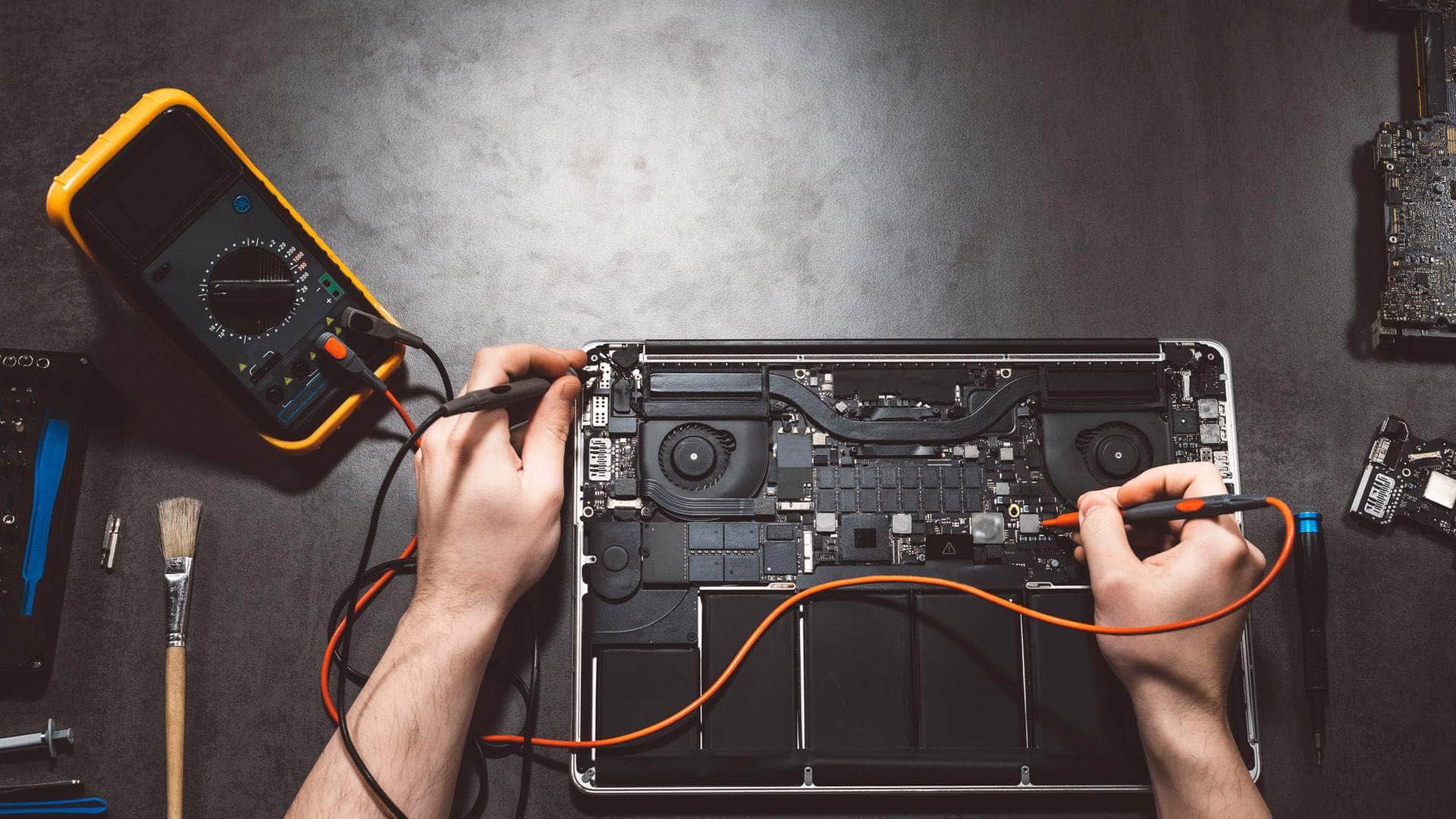
M3 MacBook repair in Kingsbridge
We look at 14-inch and 16-inch MacBook Pro models with M3, M3 Pro or M3 Max chips, and MacBook Air 13-inch and 15-inch models with M3, covering macOS update trouble, storage, batteries, keyboards and ports, with drop-off at our Kingsbridge workshop by arrangement.
Open Mon–Sat 09:00–17:00 · Sun 10:00–16:00
Which M3 machines we see
The M3 generation covers two laptop lines. The MacBook Pro arrived in November 2023 with a 14-inch M3 model, and 14-inch and 16-inch versions built on the M3 Pro or M3 Max. The MacBook Air followed in March 2024 in 13-inch and 15-inch sizes with the M3 chip.
Chip and size matter for the repair plan, so we check the serial number and the About This Mac screen before we talk through options. Every M3 MacBook Pro has a fan and a set of ports that includes HDMI and an SD card slot, while the Air is fanless with fewer ports, so what can go wrong differs between them.
Check for cover before you pay for anything
Because these machines are new, many faults we expect are accidental: a drop onto a hard floor, a cracked screen, or a spilled drink. Some owners still have cover from Apple, an insurer, or an AppleCare plan that could pay for part or all of the work.
Please check that first. We can explain what each route involves and where it may be quicker or slower than an independent repair, so you can decide with the facts in front of you.
Talk to us
Call us or send a message. We will tell you the quickest safe way to help.
macOS updates that stall or misbehave
An update that stops halfway, a Mac that restarts in a loop after installing, or a display that behaves oddly once a new system version is in place can all have different causes. Some are software and can be cleared up with a clean reinstall; others point to a failing storage drive or a battery that is struggling to keep the machine stable.
We try the software side carefully and keep your files in view throughout, because a reinstall without a backup can remove data for good.
Storage, memory and what a backup protects
The SSD in an M3 MacBook is soldered to the logic board and encrypted, and the memory is unified with the chip, so neither can be upgraded later. If the drive fails, recovery from the board is limited, which is why a recent Time Machine copy or an iCloud backup is the protection that really works.
Please make that backup before the laptop comes to us. If it is not possible, tell us when you book so we can talk about the realistic chance of recovering anything.
Batteries, charging and MagSafe 3
The M3 range uses MagSafe 3 for charging, and a charger that feels loose, or a port that no longer holds a cable, is often the first sign of trouble. Battery wear shows as a shorter day or a Service Recommended message in System Settings, and a swollen cell should be dealt with promptly because it can push up the trackpad or the case.
We test the charging path and the battery health reading together, so we are not guessing which part is at fault before we quote for a replacement.
Keyboards, trackpads and port damage
Keys that stick after a spill, a trackpad that clicks unevenly, or a port that wobbles when you plug something in are all worth looking at early. Liquid is a common cause on a newer laptop, and the damage often travels beyond the place where the spill happened.
We check the keyboard, trackpad and ports together, so the repair addresses the cause rather than only the symptom you noticed first.
Drop-off and collection around the South Hams
Our workshop is at Springfield Farm Shop in East Charleton, Kingsbridge TQ7 2AR, and drop-off there is by arrangement. Where a trip is hard to make, we can also collect the laptop from around the South Hams, and we can help on site for some jobs.
Parts for the newest models can take longer to arrive than for older Macs, and some faults, such as a failed logic board, may not be economic to repair. If that applies, we will tell you plainly and give a realistic timescale after diagnosis.
Related help
- MacBook repair in KingsbridgeThe hub page for all our MacBook repair work, with links to each model.
- MacBook repair, model by modelCommon MacBook Air and Pro faults and how we diagnose them.
- Computer repair in KingsbridgeHelp with Windows laptops, desktops and other computers from our workshop.
- M2 MacBook repairRepairs for M2 MacBook Air and Pro models, including notched display work.
- Apple Silicon MacBook repairAn overview of repairs across the Apple Silicon range, from batteries to storage.
Where we work: Kingsbridge, Salcombe, Dartmouth, Totnes, Ivybridge, Modbury, Frogmore.
Frequently asked questions
Does the M3 MacBook Air support two external displays with the lid closed?+
Yes, the M3 Air can drive two external displays while its lid is closed. If one of your screens stops working or the setup behaves differently after an update, bring the details when you call on 01548 600127 and we will look at it.
Can I check whether my M3 MacBook is still covered?+
Yes, and it is worth doing before you book. Apple, an insurer or an AppleCare plan may cover accidental damage, and we will explain each option honestly so you can choose the route that suits you.
Can the memory or storage be upgraded on an M3 MacBook?+
No. The memory is unified with the chip and cannot be upgraded, and the SSD is soldered to the logic board and encrypted. A backup to Time Machine or iCloud is the safest protection for your files.
What if my M3 MacBook will not finish a macOS update?+
Stalled or looping updates can be software problems or signs of a failing drive. Please do not keep forcing it. Call us, tell us what you see, and we will advise on the next step and whether your files need securing first.
How long will parts for my M3 MacBook take?+
Parts availability for the newest models varies, so we cannot promise a fixed date in advance. We check the part once we have diagnosed the fault and give you a realistic timescale before any work starts.