
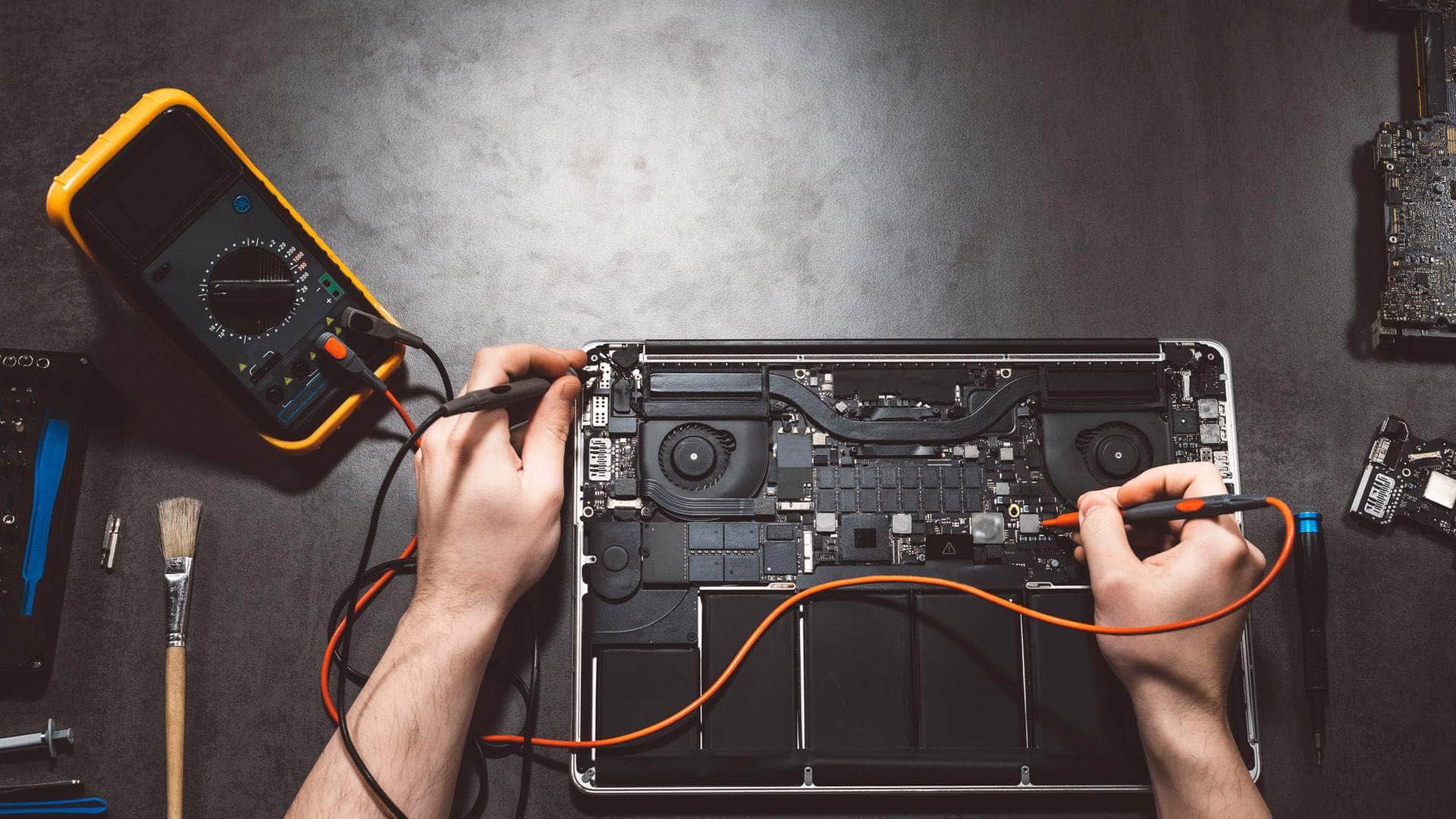
MacBook Air repair in Kingsbridge
We repair Apple Silicon MacBook Air models and the 2018 to 2020 Intel Airs, with drop-off at our Kingsbridge workshop by arrangement and collection around the South Hams where that suits you.
Open Mon–Sat 09:00–17:00 · Sun 10:00–16:00
Which MacBook Air models we see
The Air is Apple's thinnest and lightest laptop, and the generation you own changes almost everything about the repair. Apple Silicon Airs use the company's own chips, have unified memory built into the chip package, and store their data on soldered, encrypted SSD storage. Intel Airs from 2018 to 2020 are a different design, with their own keyboard and charging arrangement.
Before you book, have the model name, the year and the chip ready. The About This Mac screen and the serial number will confirm them, and we check both before we talk about parts.
Sudden slowdowns on a fanless laptop
Apple Silicon Airs have no fan. Under sustained heavy load, such as a long export or a large spreadsheet with many macros, they slow down to keep the chassis cool, and that is normal behaviour rather than a fault.
A slowdown that appears out of nowhere is a different matter. A nearly full startup disk, a runaway background process, or a login item that has piled up over months are far more common causes. We check storage, Activity Monitor and recent software changes first, because a repair is rarely needed for these.
Talk to us
Call us or send a message. We will tell you the quickest safe way to help.
Thin screens and damage from the lid
The Air's display is slim, and the glass can crack when the lid is pressed on a single point, for example when a bag is squeezed in a rucksack or a pen, earbud case or USB stick is left on the keyboard when the lid closes. The panel itself can also be damaged by the keys pressing into it over time.
A cracked display is a replacement job rather than a polish. We will show you the display part options, explain the labour involved on the thin chassis, and give you a realistic timescale once the machine is open and we can see the full extent.
Charging: USB-C on the M1, MagSafe 3 from M2
The M1 MacBook Air charges through USB-C, so a worn or loose port is the usual charging complaint. The M2 Air, including the 13-inch 2022 and 15-inch 2023 models and the later Air models, uses MagSafe 3 for charging. Its magnetic connector can fray with pulling at an angle, and a cable that only charges when held in one position often points to the port or the cable.
We check the cable, the adapter and the charging circuit before suggesting a port repair, because a faulty adapter is more common than a faulty laptop.
The 2018 to 2020 Intel Airs and their keyboards
The 2018 and 2019 Intel Airs used the butterfly keyboard, a low-travel design that is sensitive to grit and crumbs. Keys can repeat, stick or fail to register, and the cause is often debris under the key rather than a dead key switch.
The 2020 Intel Air moved to the Magic Keyboard with scissor switches. The keyboard is still a repair job rather than a simple key swap, so we confirm which generation you have before we talk through the work and the timescale.
Storage and memory: what can and cannot change
No Apple Silicon Air can have its storage or memory upgraded after purchase. The SSD is soldered to the logic board and encrypted, and the unified memory is part of the chip package. That means the capacity and memory you bought are the capacity and memory you keep.
If you are short of space, we can help you find what is using it and set up external or cloud storage, which is often a better fit for an Air than a bigger internal drive.
Liquid on a thin laptop
Liquid is hard on any laptop, but an Air has little space between the keyboard and the logic board, so a spill can travel quickly. Please switch the Air off straight away, unplug it, and do not try the keys to see whether they still work.
We will open the machine, inspect the board and the battery, and tell you honestly whether the damage is repairable. Some boards are not economic to fix, and we will say so plainly.
Backups, drop-off and collection
Data recovery from a failed Apple Silicon or T2 Intel board is limited, so please keep a recent Time Machine or iCloud backup before you hand the Air over. Find My and Activation Lock must be switched off, or the owner's Apple ID must be available, for some work.
You can bring the Air to our workshop at Springfield Farm Shop in East Charleton, Kingsbridge TQ7 2AR, by arrangement. We can also collect it from around the South Hams, including Salcombe, Dartmouth, Totnes, Ivybridge, Modbury and Plymouth. Every job is different, so we price on the outcome, not by the hour, and agree the price with you in writing before any work starts.
Related help
- MacBook repair in KingsbridgeOur full MacBook repair service, covering every model we work on.
- MacBook repair, model by modelCommon MacBook Air and Pro faults and how we diagnose them.
- Computer repair in KingsbridgeRepairs for Windows PCs, laptops and other computers across the South Hams.
- M1 MacBook repairRepairs for M1 MacBook models, including charging, batteries and screens.
- M2 MacBook repairRepairs for M2 MacBook models, including MagSafe charging and battery work.
Where we work: Kingsbridge, Salcombe, Dartmouth, Totnes, Ivybridge, Modbury, Frogmore.
Frequently asked questions
Why does my MacBook Air slow down when I run big tasks?+
Apple Silicon Airs have no fan, so they throttle under long heavy loads to protect the chassis. That is expected. If the slowdown happens during everyday use, bring it in and we will check storage and background processes first.
Can you replace a cracked MacBook Air screen?+
Usually, yes, as a display replacement. The Air's thin design means the work takes care, and we will explain the part options and a realistic timescale after we have diagnosed the damage.
Can I add more storage or memory to my MacBook Air?+
No. Apple Silicon Airs have soldered, encrypted storage and unified memory that cannot be upgraded. If you need more space, we can help you set up external or cloud storage instead.
My M2 Air charges only at one angle. What is wrong?+
It is often the MagSafe 3 cable or the port being worn or pulled at an angle. We check the cable and adapter first, then the port, before we recommend any repair.
Is a 2018 or 2019 butterfly keyboard Air worth repairing?+
It depends on the machine as a whole. Butterfly keys are often fixed by clearing debris, but if the rest of the laptop is worn, we will say so and talk through the options with you honestly.