
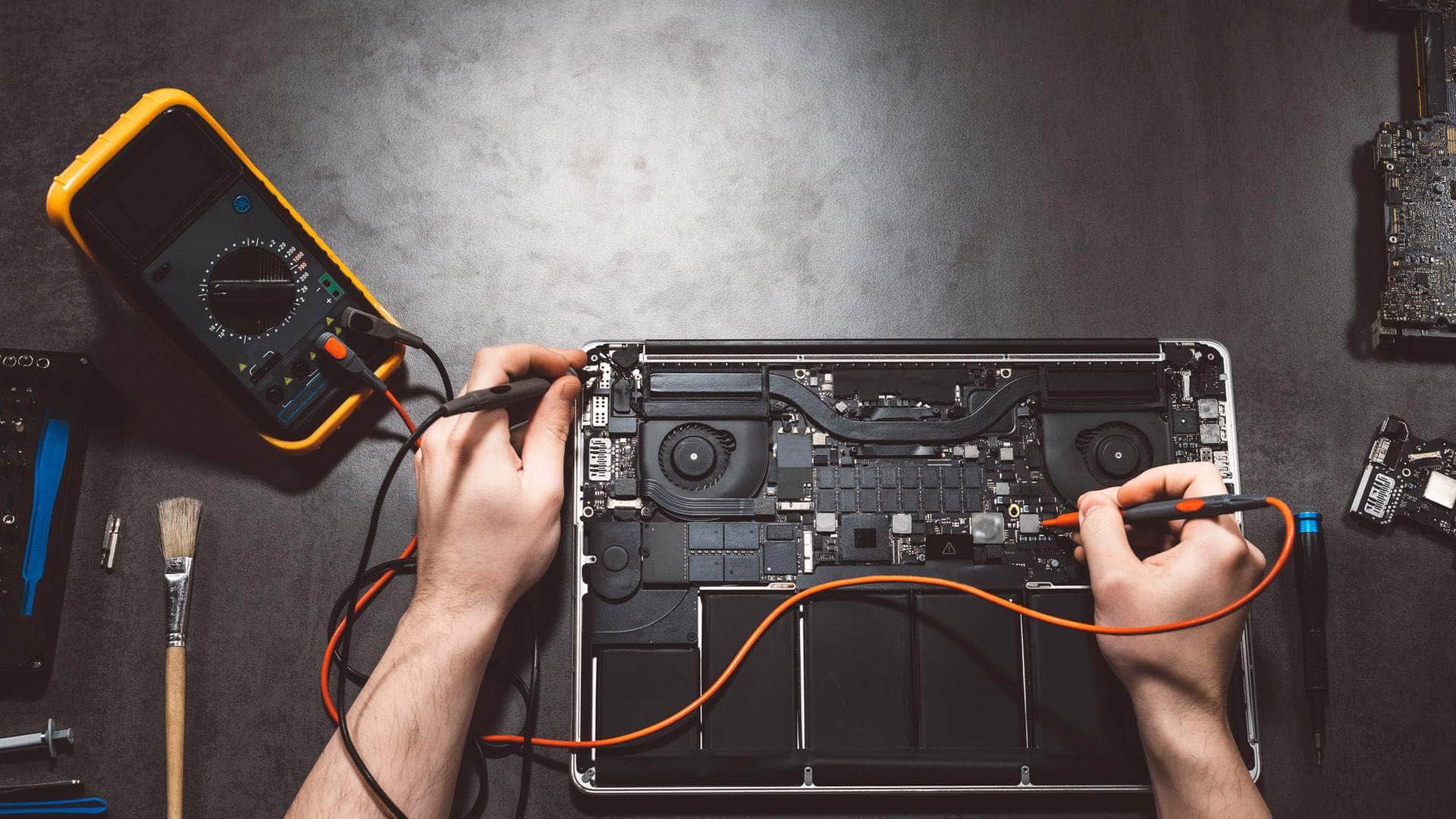
Gaming PC and desktop repair in Kingsbridge
Towers, mini PCs, all-in-ones and gaming rigs that will not start, crash under load, overheat or need more power, plus custom PCs planned around what you actually do.
Springfield Farm Shop, East Charleton, Kingsbridge · Open Mon–Sat 09:00–17:00 · Sun 10:00–16:00
Desktop PCs are the easiest computers to repair and upgrade, because almost every part can be swapped. That also means a fault can hide in many places: the power supply, the memory, the graphics card, the drive or the motherboard. We test each part properly rather than guessing, so you only pay to fix what has actually failed.
We repair office desktops and all-in-ones from Dell, HP and Lenovo, home PCs, and gaming PCs whether they came from a big brand, a specialist builder or your own hands.
Common desktop and gaming PC faults
No power, or lights but no picture
Often a failing power supply, a memory stick that has worked loose, a graphics card fault or a monitor on the wrong input. Motherboard diagnostic lights and beep codes help, and we test with known good parts to find the culprit.
Crashes, restarts and blue screens
Random restarts under load usually point to heat, power or unstable memory settings. Gaming PCs with memory overclocking profiles switched on can crash until the settings are tuned. Driver problems after a Windows update are common too.
Overheating and noise
Dust, pet hair and, near the coast, salty air clog fans and heatsinks. Fans get loud, performance drops and parts wear faster. A proper clean, fresh thermal paste and sensible fan curves make a big difference.
Graphics card faults
Coloured lines or blocks on screen, black screens in games and driver crashes. On high-end graphics cards that use the newer 16-pin power connector, a connector that is not fully seated can overheat, so we check it carefully.
All-in-ones
All-in-ones put the computer behind the screen, so they are built more like laptops. Slow hard drives are the most common fault on older models, and an SSD makes them feel new.
Upgrades that make sense
- SSD: moving from a hard drive to an SSD transforms start-up and loading times.
- Memory: 16GB is a comfortable amount for most people today; 32GB for heavier gaming, editing or lots of tabs.
- Graphics card: matched to your power supply, case and monitor so you are not paying for performance you cannot use.
- Power supply: a quality unit with enough headroom protects everything else in the case.
- Windows 11: checking the PC meets the requirements, and switching on TPM and Secure Boot if they are only turned off.
Windows 11 upgrades and slow PCs
Talk to the team
Tell us the model and what it is doing. We will say honestly what is likely to be involved and the quickest safe way to help.
Custom PC builds
If a repair is not worth it, or you want something new, we can plan and build a PC around what you actually do: gaming at a particular resolution, photo or video editing, CAD, music production, or a quiet, reliable office machine. We talk through the use first, then choose parts that work together, fit the space and leave room to upgrade.
Every build is set up with Windows 11, updates and your programs, and we move your files across from the old PC. Parts carry their manufacturers' warranties, and we tell you what those are.
What the visit looks like
Bring the tower or all-in-one to our workshop by arrangement. You do not usually need to bring the keyboard, mouse or monitor unless the fault involves them, but do bring the power lead for an all-in-one. We diagnose it, explain what we found, and agree the outcome and the price before any work starts. For business desktops, we can come to you.
Turnaround
Cleaning, software repairs and common upgrades can often be done quickly. Faults that only show up after hours of use need longer testing, and replacement parts are sometimes ordered in. Custom builds depend on parts availability, and we give you a realistic date before you order.
Where we work
The workshop is at Springfield Farm Shop, East Charleton, Kingsbridge TQ7 2AR, just off the A379 with free parking. We help people and businesses in Kingsbridge, Salcombe, Dartmouth, Totnes and across the South Hams. For PCs and laptops of every make, see computer repair in Kingsbridge; for business support, see IT support and cyber security.
More Windows repair
- Windows PC and laptop repair in KingsbridgeLaptops, desktops, all-in-ones, Surface tablets and gaming PCs, looked after by a local team at East Charleton, just outside Kingsbridge. We find out what is wrong first and explain it plainly.
- Dell, HP, Lenovo, Acer and ASUS laptopsScreens, batteries, keyboards, hinges, charging and liquid damage, brand by brand.
- Microsoft Surface repairSurface Pro, Surface Laptop and Surface Go: screens, batteries, charging and SSDs.
- Windows 11 upgrades and slow PCsWindows 10 options, Windows 11 checks, SSD and memory upgrades.
- Windows data recovery and virus removalLost files, BitLocker recovery screens, scams and infections.
Related help
- Computer repair serviceWorkshop repairs at our East Charleton base.
- Windows 11 upgrades and slow PCsWindows 10 options, Windows 11 checks, SSD and memory upgrades.
- Windows data recovery and virus removalLost files, BitLocker recovery screens, scams and infections.
- New computer setupFiles, email and passwords moved across to a new machine.
- Computer repair in KingsbridgePCs, laptops, Macs and Chromebooks, diagnosed first.
- Business IT supportDay-to-day IT help for South Hams shops, offices and trades.
Useful from our shop
We're located behind Springfield Farm Shop
Find us off the A379 at East Charleton, near Kingsbridge. Turn into Springfield Farm Shop — free on-site parking is available, and you are welcome to drop devices during business hours by arrangement.
Address
Springfield Farm Shop, East Charleton, Kingsbridge, Devon, TQ7 2AR
Free parking at Springfield Farm Shop. Turn off the A379 at East Charleton — we are inside the farm shop premises. Look for the KTechnology sign.
Hours: Mon–Sat 09:00–17:00; Sun 10:00–16:00. Call 01548 600127 before you set off if you need directions.
Gaming PC and desktop repair: your questions
My PC turns on but there is no picture. What is wrong?+
Check the monitor is on the right input and the cable is in the graphics card, not the motherboard. If that is fine, it is often memory, the graphics card or the power supply, and we test each one.
Can you build me a gaming PC?+
Yes. We plan it around the games, resolution and budget you have in mind, build and test it, set up Windows and move your files across.
Can you repair a PC someone else built?+
Yes. Custom and self-built PCs use standard parts, which makes them very repairable.
Do you clean dusty PCs?+
Yes. A proper internal clean, with new thermal paste where needed, often cures noise and overheating, and helps parts last longer.
Can my old desktop run Windows 11?+
Many can, sometimes with TPM and Secure Boot simply switched on in the settings. Very old processors are not supported. We check and give you the options.