
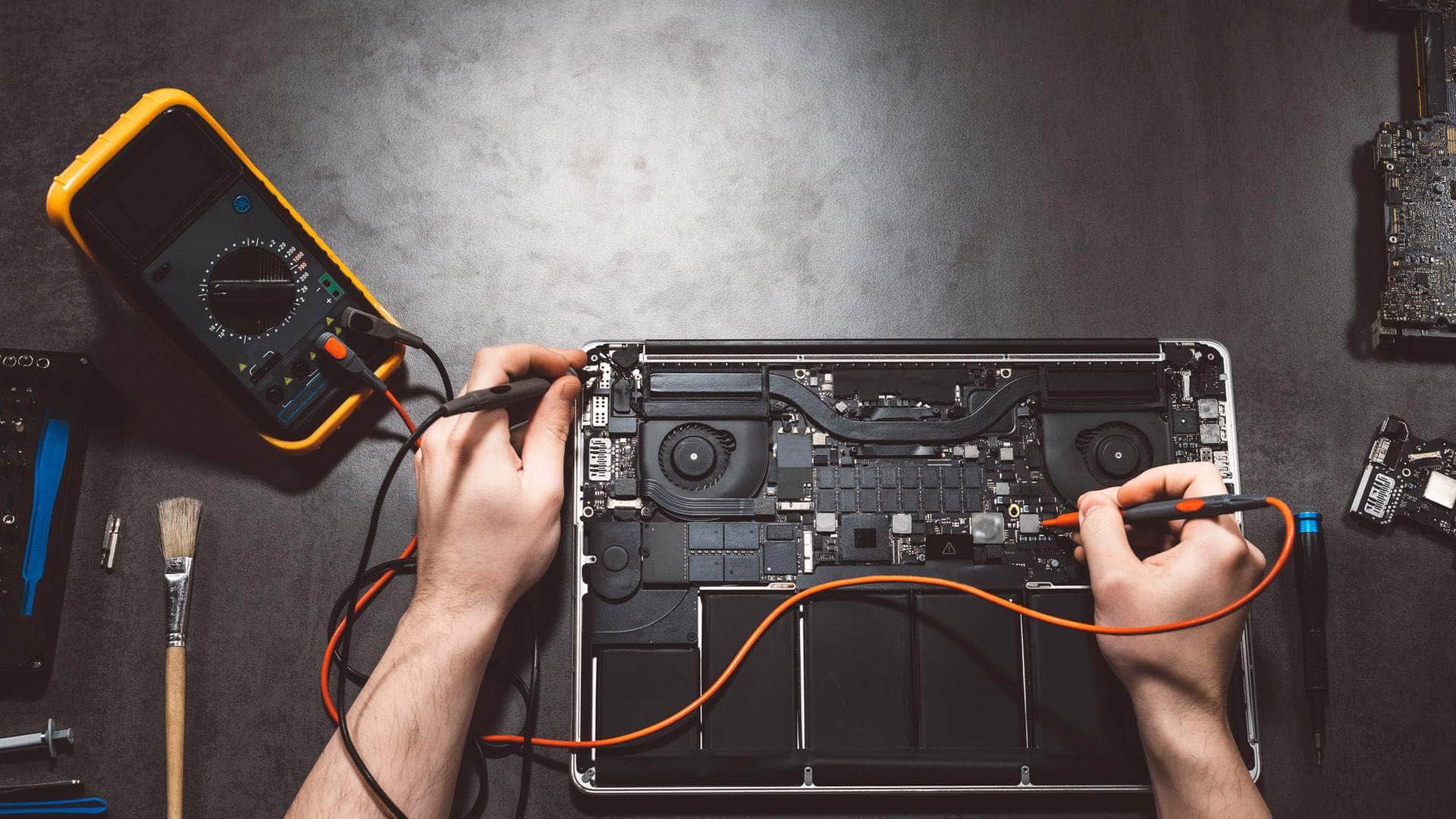
Apple repair and support in Kingsbridge
MacBooks, iMacs, Mac minis, iPhones and iPads, looked after by a local team at East Charleton, just outside Kingsbridge. We find out what is wrong first and explain it plainly.
Springfield Farm Shop, East Charleton, Kingsbridge · Open Mon–Sat 09:00–17:00 · Sun 10:00–16:00
Apple devices are lovely to use and awkward to repair. The parts are small, glued and often tied to one another, and a careless job can leave you with a working screen and a broken Face ID, or a new battery and an empty Mac. So we work the way you would want someone to work on your own things: diagnose first, protect your data, explain the options, and only then repair.
We are an independent repairer, not Apple, and we say so up front. That means we can help with older models Apple no longer services, give you a straight answer about whether a repair is worth it, and fit in around life in the South Hams. If your device is still under Apple's warranty or AppleCare and the fault is covered, we will tell you, because Apple's own service may cost you less.
Choose your device
- MacBook repairMacBook Air and MacBook Pro: screens, batteries, keyboards, charging and liquid damage.
- iMac and Mac mini repairDesktop Macs that are slow, silent, noisy or will not show a picture.
- iPhone repairCracked screens, tired batteries, charging ports, cameras and water.
- iPad repairScreens, batteries, charging and iPads that have locked their owner out.
- Apple data recovery and securityLost photos and files, scam pop-ups, hacked Apple Accounts and clean-ups.
What we help with on Apple devices
Mac repairs
MacBook Air and MacBook Pro screens, batteries, keyboards, trackpads and charging, and iMacs or Mac minis that have slowed down, gone silent or stopped showing a picture. Intel Macs and Apple silicon Macs from M1 onwards.
iPhone and iPad repairs
Cracked screens, batteries that no longer last the day, charging ports full of pocket fluff, cameras, speakers, and phones or tablets that have had a swim in the estuary.
Data, accounts and security
Getting photos and documents off a device that will not start, cleaning up scam pop-ups and unwanted profiles, and helping you take back an Apple Account that someone else has got into.
Set-up and everyday help
Moving everything to a new Mac or iPhone, sorting a full iCloud, getting printers and WiFi to behave, and patient help for anyone who would like to feel more confident with their devices.
How an Apple repair works with us
1. Tell us the model and the problem
Call 01548 600127 or send a message. If you can, find the model: on a Mac, choose the Apple menu and About This Mac; on an iPhone or iPad, open Settings, General, About. A photo of the damage helps too.
2. Diagnosis before decisions
We check the device and tell you what we found, what we recommend and what it will involve. Every job is different, so we agree the outcome and the price with you before any work starts.
3. Repair, test and hand back
We carry out the agreed work, test the things that matter on that model (cameras, charging, Touch ID or Face ID, WiFi, speakers, keyboard), and tell you exactly what was done and which parts were used.
Talk to the team
Tell us the model and what it is doing. We will say honestly what is likely to be involved and the quickest safe way to help.
Your data and privacy come first
Your photos, messages and documents are usually worth far more than the device. Before anything invasive we talk about backups, and where it is practical we copy your files first. We never ask for your Apple Account password. If a test needs the device unlocked, we do it with you, or ask you to set a temporary passcode that you change afterwards.
Modern Macs, iPhones and iPads encrypt their storage and tie it to the main board. That is good for security, but it means a dead board can take the data with it. If your device has no recent backup, tell us at the start so we plan the repair around getting your files back.
Turnaround: honest rather than optimistic
Software problems, battery checks and many small repairs can be done quickly, sometimes the same day. Screens, batteries and boards for a particular model sometimes have to be ordered in, and we tell you the expected wait before you agree to anything. On many jobs we can lend you equipment so you can keep working, and software help can often start straight away over a secure remote session (remote sessions start with a £25 deposit).
Why a local Apple repairer helps
- You can hand your device to a person and talk it through, rather than posting it away.
- We know the local problems: sea air and salt on holiday-let Macs in Salcombe, damp cottages around Dartmouth, patchy signal in the villages, and iPads running tills and guest information in Kingsbridge shops.
- We also look after networks, Microsoft 365 and cyber security, so we notice when a 'broken' iPhone or Mac is really a security problem.
- If a repair is not worth it, we say so and help you choose and set up a replacement, then wipe and recycle the old device securely.
Apple devices for South Hams businesses
Plenty of local studios, estate agents, cafés and holiday-let businesses run on Macs, iPhones and iPads. We can set them up properly, keep them updated, make sure the business, not one person, owns the Apple Accounts and data, and look after them alongside your WiFi, email and backups.
Where we work
The workshop is at Springfield Farm Shop, East Charleton, Kingsbridge TQ7 2AR, just off the A379 with free parking. We help people and businesses in Kingsbridge, Salcombe, Dartmouth, Totnes and across the South Hams. For PCs and laptops of every make, see computer repair in Kingsbridge; for business support, see IT support and cyber security.
Related help
- Mac repair overviewHow a Mac repair works with us, start to finish.
- Computer repair in KingsbridgePCs, laptops, Macs and Chromebooks, diagnosed first.
- Laptop repairScreens, batteries and upgrades for every make of laptop.
- Virus and malware removalFor PCs and Macs that are slow, strange or full of adverts.
- Data recovery and backupGetting files back, and keeping a second copy safe.
- New computer setupFiles, email and passwords moved across to a new machine.
Useful from our shop
- USB-C MacBook docking stationTwo 4K screens and 100W charging through one cable for a MacBook at the desk.
- USB-C to Lightning cable, 2mCharge and sync older iPhones and iPads from a USB-C charger or Mac.
- Screen and device cleaningSafe cleaners for screens and keyboards, in our own maintenance range.
- Laptops in the IT shopIf a repair no longer makes sense, sensible replacements.
We're located behind Springfield Farm Shop
Find us off the A379 at East Charleton, near Kingsbridge. Turn into Springfield Farm Shop — free on-site parking is available, and you are welcome to drop devices during business hours by arrangement.
Address
Springfield Farm Shop, East Charleton, Kingsbridge, Devon, TQ7 2AR
Free parking at Springfield Farm Shop. Turn off the A379 at East Charleton — we are inside the farm shop premises. Look for the KTechnology sign.
Hours: Mon–Sat 09:00–17:00; Sun 10:00–16:00. Call 01548 600127 before you set off if you need directions.
Apple repair: your questions
Are you part of Apple's own repair network?+
No. We are an independent local repairer. We tell you which parts we would use before work starts, and if your device is covered by Apple's warranty or AppleCare we will point you to Apple, because that may cost you less.
Which Apple devices do you repair?+
MacBook Air, MacBook Pro, iMac, Mac mini, iPhone and iPad, including older Intel Macs and Apple silicon Macs from M1 onwards. Tell us the model when you get in touch and we will say what is likely to be involved.
Will repairing my Mac or iPhone wipe my data?+
Most repairs do not touch your data, but some faults put it at risk. We talk about backups before any invasive work and copy your files first where it is practical.
Do you need my Apple Account password or passcode?+
We never need your Apple Account password. If a test needs the device unlocked, we do it with you, or you set a temporary passcode and change it when you collect.
How much does an Apple repair cost?+
Every job is different, so we price on the outcome, not by the hour, and agree it with you before any work starts. Diagnosis comes first, so you decide with real information in front of you.
Can you help if I am in Salcombe, Dartmouth or Totnes?+
Yes. You can drop off at Springfield Farm Shop in East Charleton by arrangement, or ask about collection and on-site visits around the South Hams. Software problems can often be sorted remotely.